iOS 기본 (SwiftUI)
[iOS - SwiftUI] ForEach, ScrollView, DynamicViewContent (onDelete, onInsert, onMove) 사용 방법
jake-kim
2022. 8. 26. 23:56
ForEach
- collection형태의 데이터들에 접근하는 구조체
- collection 형태인 데이터는 반드시 identifiable을 준수하는 구조체
- ForEach는 collection을 순회할때 RandomAccess 방식을 사용하므로 효율적인 탐색이 가능

- 사용 방법
- 모델에 Identifiable을 준수하도록 구현
- 배열 collection으로 데이터 준비
  private struct NamedFont: Identifiable {
    let name: String
    let font: Font
    var id: String { name }
  }
  private let namedFonts: [NamedFont] = [
    NamedFont(name: "Large Title", font: .largeTitle),
    NamedFont(name: "Title", font: .title),
    NamedFont(name: "Headline", font: .headline),
    NamedFont(name: "Body", font: .body),
    NamedFont(name: "Caption", font: .caption)
]- 사용하는쪽에서 ForEach로 접근
  var body: some View {
    ForEach(namedFonts) { namedFont in
      Text(namedFont.name)
        .font(namedFont.font)
    }
}- 시뮬레이터 실행화면

- Preview를 보면 여러개의 아이폰에 노출

ScrollView
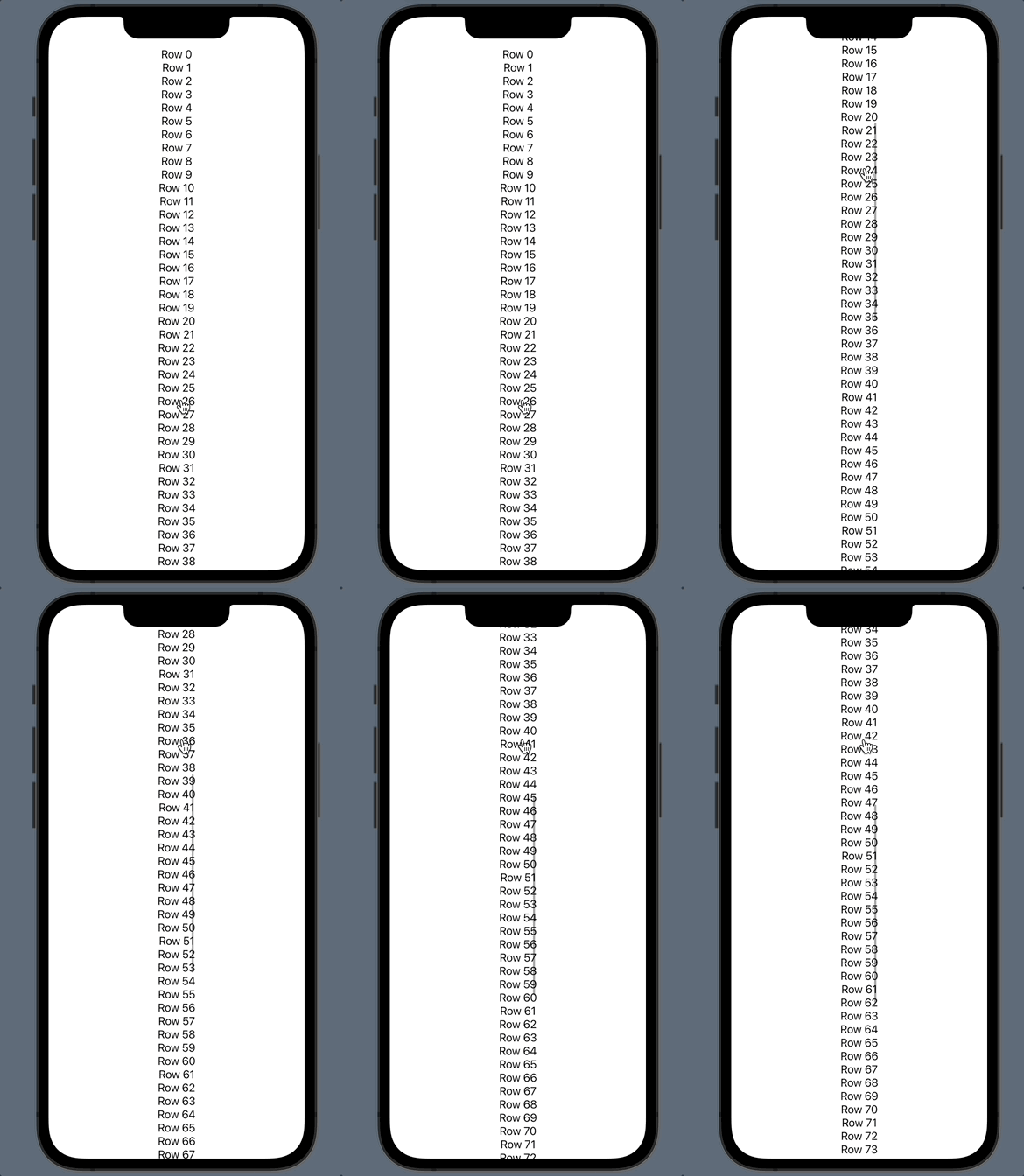
- ScrollView을 사용하고 싶을땐, ScrollView를 선언하고 클로저 안에 subview를 넣어서 구현
var body: some View {
  ScrollView {
    ForEach(0..<100) {
      Text("Row \($0)")
    }
  }
}
- 보통 StackView와 같이 사용하여 내부 padding을 적용
struct ExScrollView: View {
  var body: some View {
    ScrollView {
      VStack(alignment: .leading, spacing: 10) { // <-
        ForEach(0..<100) {
          Text("Row \($0)")
        }
      }
    }
  }
}
DynamicViewContent
- protocol이며, collection으로 부터 view를 생성해내는 View 타입

- 단순히 data를 가지고 있는 프로토콜이며, 뷰가 Collection 형의 데이터를 가지고 있다는 의미로 사용
/// A type of view that generates views from an underlying collection of data.
@available(iOS 13.0, macOS 10.15, tvOS 13.0, watchOS 6.0, *)
public protocol DynamicViewContent : View {

  /// The type of the underlying collection of data.
  associatedtype Data : Collection

  /// The collection of underlying data.
  var data: Self.Data { get }
}- DynamicViewContent는 extension으로 이름 그대로 동적인 형태의 라이프사이클 이벤트 처리가 가능
- onDelete
- onMove
- onInsert
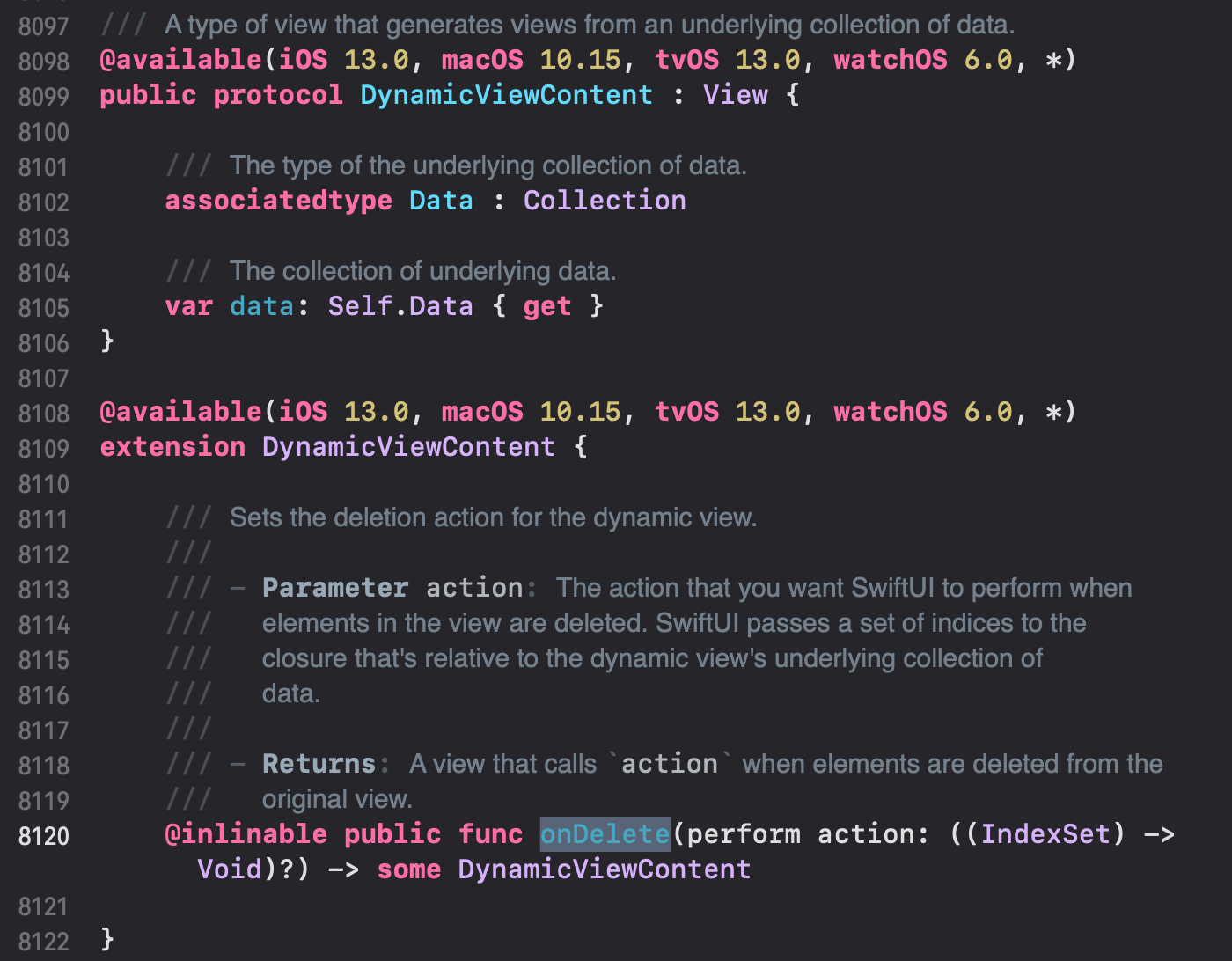
- ForEach문도 swift 내부 코드를 보면 아래처럼 DynamicViewContent를 준수하고 있기 때문에 onDelete, onMove, onInsert사용이 가능
@available(iOS 13.0, macOS 10.15, tvOS 13.0, watchOS 6.0, *)
extension ForEach : DynamicViewContent where Content : View {
}
ex)
List {
  ForEach(0..<100) {
    Text("Row \($0)")
  }
  .onMove { indexSet, index in // <-
    print()
  }
}
* 전체 코드: https://github.com/JK0369/ExList-SwiftUI
* 참고
https://developer.apple.com/documentation/swiftui/dynamicviewcontent/
https://developer.apple.com/documentation/swiftui/scrollview/
https://developer.apple.com/documentation/Swift/RandomAccessCollection