iOS 응용 (swift)
[iOS - swift] UIKit framework 저장 위치, Headers, Modules, UIKit.tbd 개념
jake-kim
2024. 1. 15. 01:11
UIKit framework 저장 경로
- find 명령어를 통해 탐색
% find /Applications/Xcode.app -name UIKit.framework- 탐색 결과
/Applications/Xcode.app/Contents/Developer/Platforms/AppleTVOS.platform/Developer/SDKs/AppleTVOS.sdk/System/Library/Frameworks/UIKit.framework
/Applications/Xcode.app/Contents/Developer/Platforms/iPhoneOS.platform/Developer/SDKs/iPhoneOS.sdk/System/Library/Frameworks/UIKit.framework
/Applications/Xcode.app/Contents/Developer/Platforms/WatchOS.platform/Developer/SDKs/WatchOS.sdk/System/Library/Frameworks/UIKit.framework
/Applications/Xcode.app/Contents/Developer/Platforms/MacOSX.platform/Developer/SDKs/MacOSX.sdk/System/iOSSupport/System/Library/Frameworks/UIKit.framework
/Applications/Xcode.app/Contents/Developer/Platforms/WatchSimulator.platform/Developer/SDKs/WatchSimulator.sdk/System/Library/Frameworks/UIKit.framework
/Applications/Xcode.app/Contents/Developer/Platforms/AppleTVSimulator.platform/Developer/SDKs/AppleTVSimulator.sdk/System/Library/Frameworks/UIKit.framework
/Applications/Xcode.app/Contents/Developer/Platforms/iPhoneSimulator.platform/Developer/SDKs/iPhoneSimulator.sdk/System/Library/Frameworks/UIKit.framework- 여기서 필요한 iOS만 확인
- UIKit은 애플 내장으로 가지고 있는 프레임워크 이므로, Xcode.app 애플리케이션 하위 폴더에 존재
/Applications/Xcode.app/Contents/Developer/Platforms/iPhoneOS.platform/Developer/SDKs/iPhoneOS.sdk/System/Library/Frameworks/UIKit.framework주요폴더
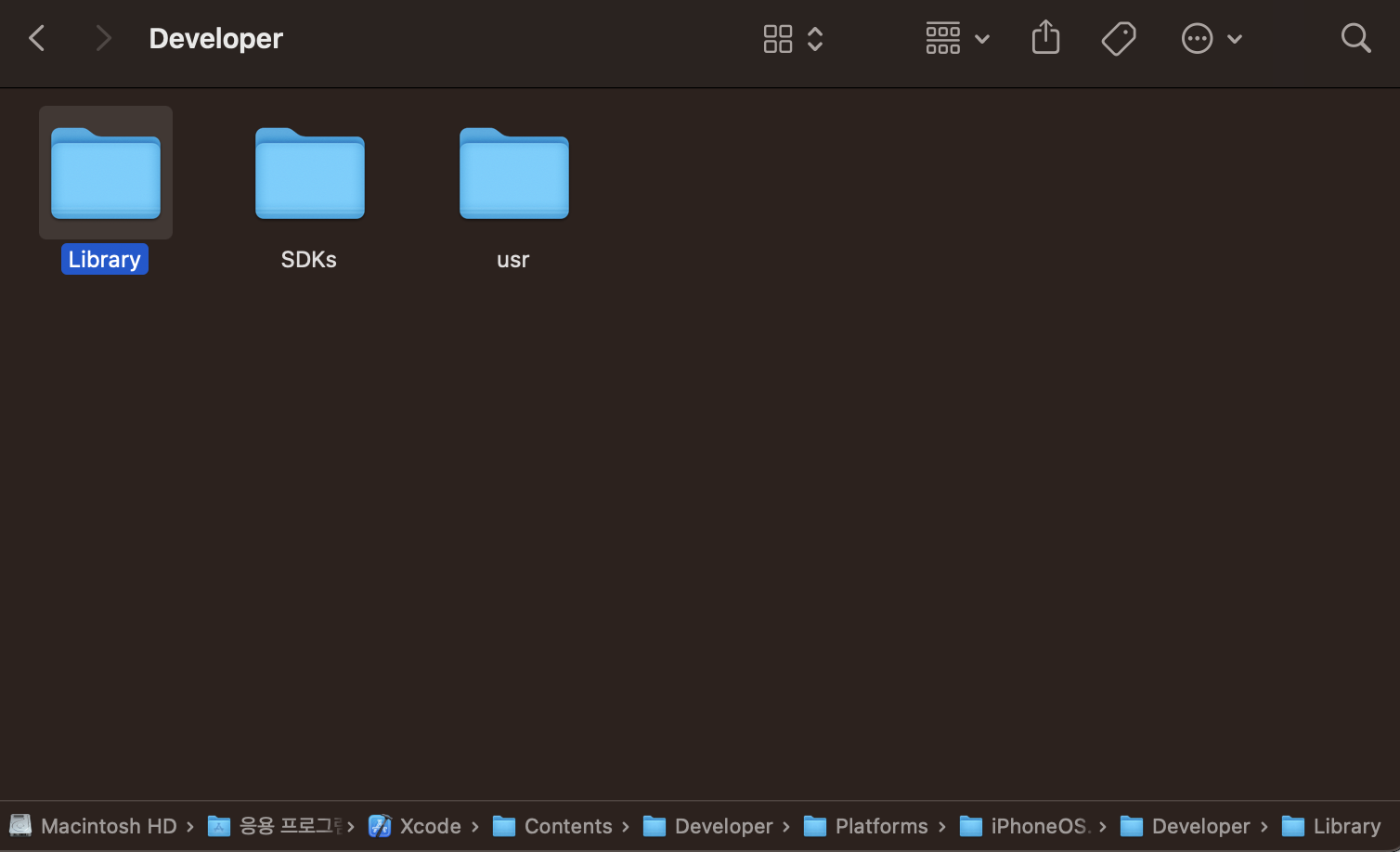
- Contents/Developer/Platforms/iPhoneOS.platform 폴더를 보면 아래처럼 다양한 파일이 존재
- iPhoneOS.platform에 필요한 정보들 확인

- 위 폴더에서 Developer에 들어가보면 Library, SDK, usr가 존재
- SDKs진입한 결과

- iPhoneOS.sdk 진입한 결과
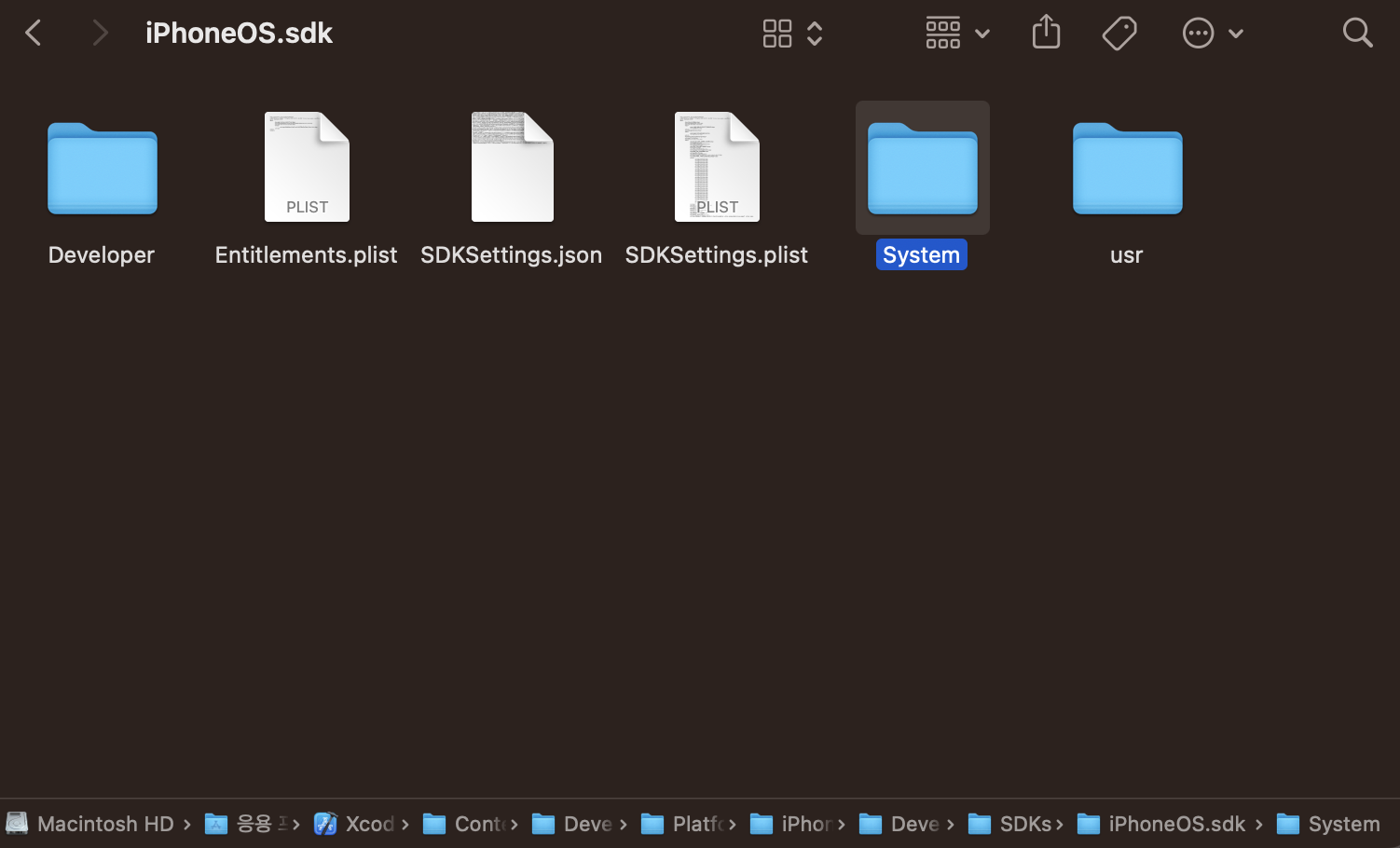
- System/Library/frameworks/ 폴더 진입
- 애플 내장 프레임워크가 다수 존재

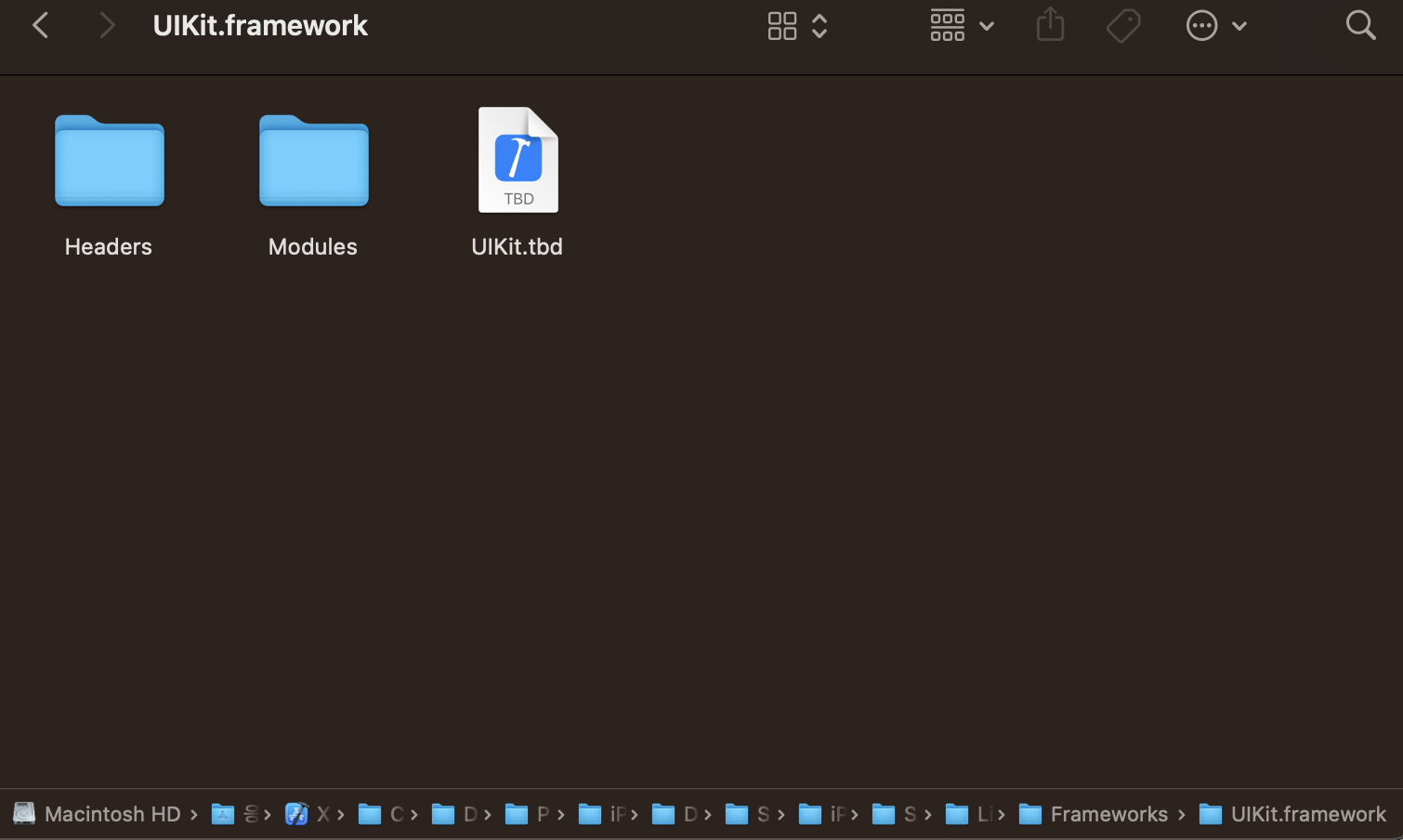
- UIKit.frameworks 진입
- Headers, Modules, UIKit.tbd 존재
Headers, Modules, UIKit.tbd 개념
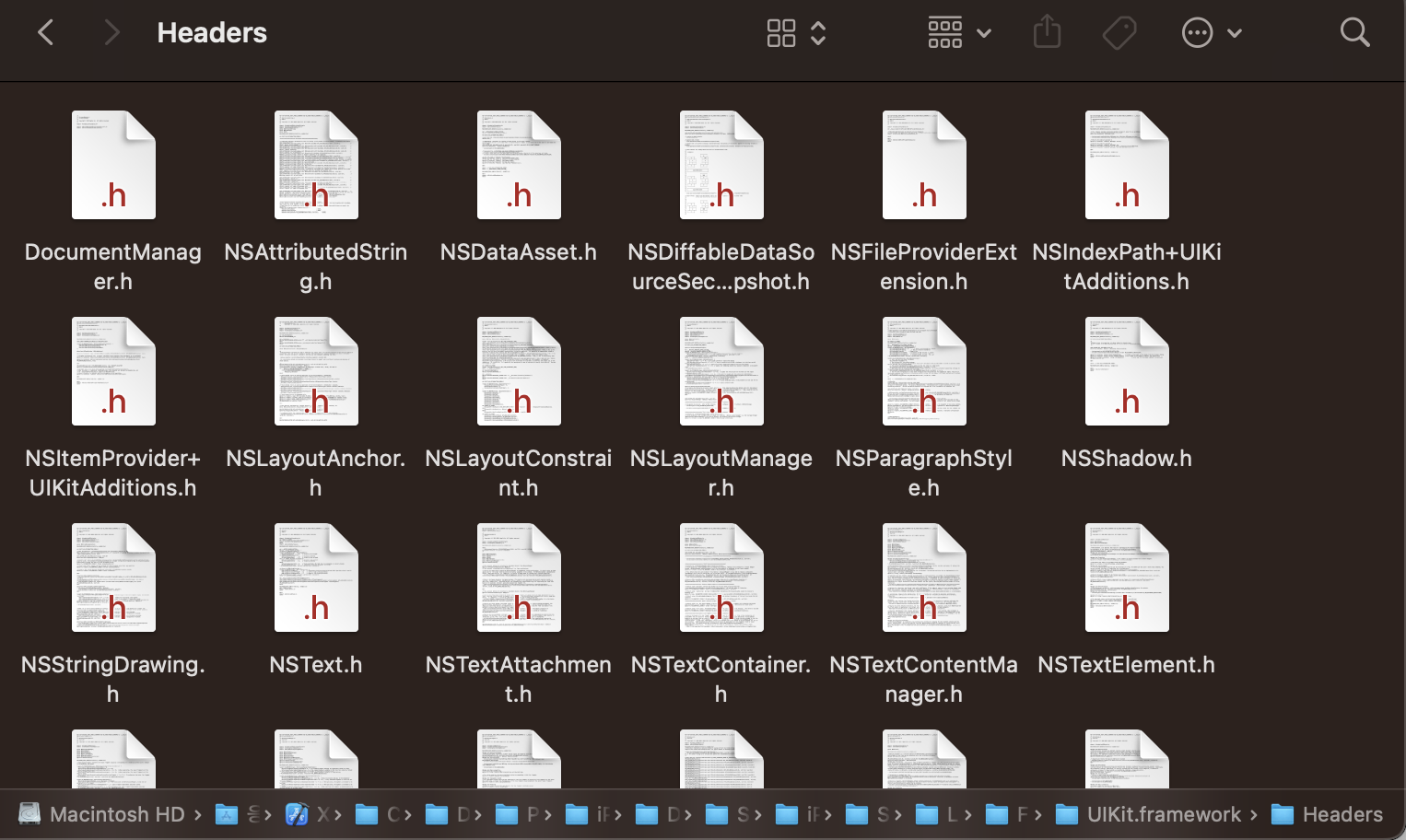
- Headers: 프로그래밍 언어에서 인터페이스를 정의하는 데 사용
- ex) UIKit 프레임워크에서 제공하는 클래스, 메소드 및 속성에 대한 선언
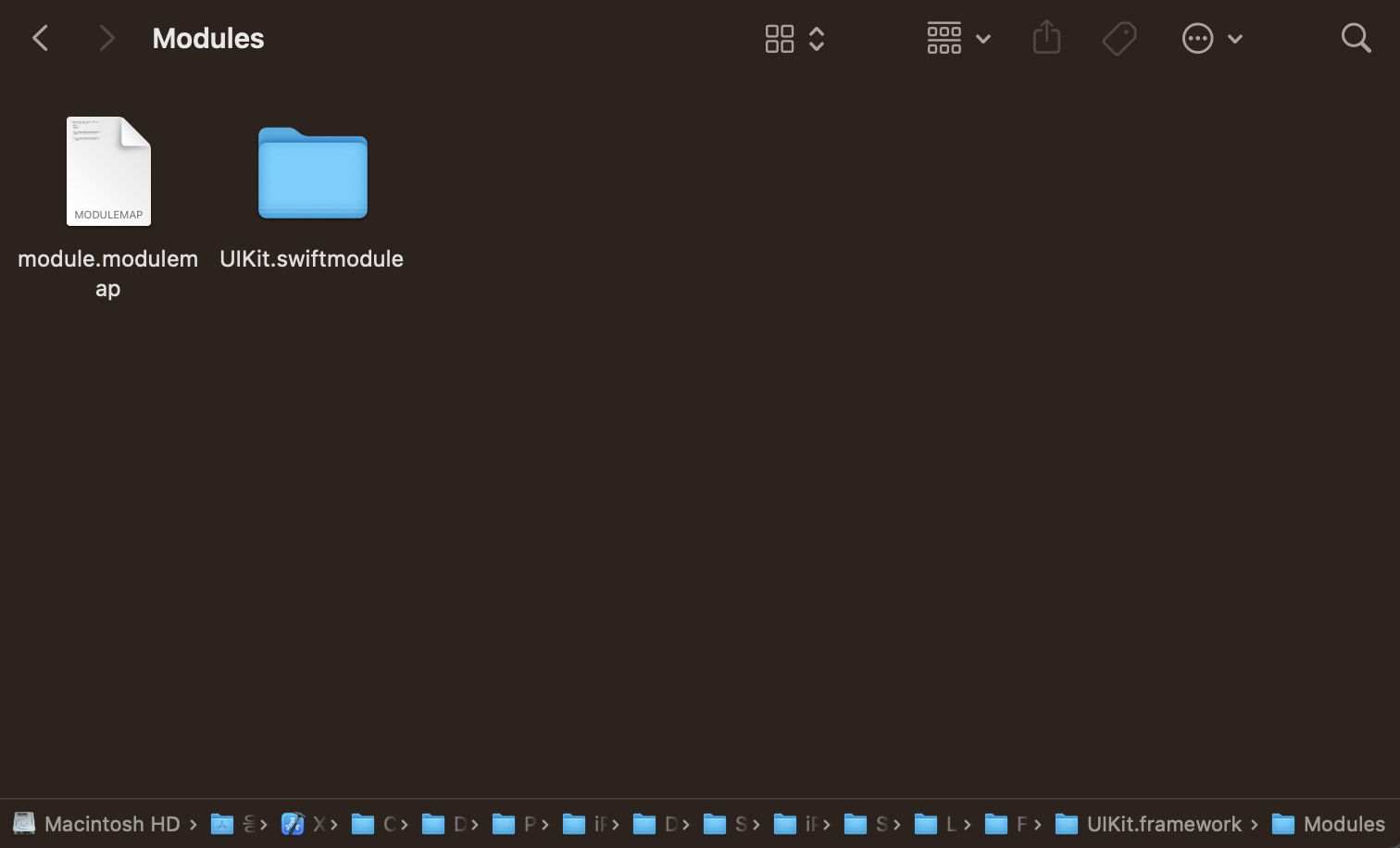
- Modules: 코드를 구조화하고 네임스페이스를 관리하는 데 사용되는 개념
- Swift 언어의 네임스페이스 및 모듈 시스템과 관련된 파일
- UIKit.tbd: 'Text-Based Stub library'의 약자로, 아래 정보와 같은 것들을 포함하는 정보
- .dylib location
- symbols(class's properties, methods)
- architecture
- platform

* 참고
- https://stackoverflow.com/questions/31450690/why-xcode-7-shows-tbd-instead-of-dylib
- https://developer.apple.com/documentation/xcode/build-settings-reference