iOS 응용 (swift)
[iOS - swift] gif 재생 방법 (#animationImages)
jake-kim
2024. 2. 28. 01:32
animationImages로 gif 재생 방법
- animationImages는 UIImageView의 프로퍼티이고 이미지 배열을 넣어서 duration, repeatCount를 설정한 후 startAnimating()으로 실행이 가능
- * animationImages 자세한 개념은 이전 포스팅 글 참고
- animationImages를 알면 연속으로 재생이 가능하기 때문에 gif파일을 불러와서 frameCount와 images 배열을 얻어내는것이 목적
- 파일을 읽어오는 방법은 애플의 ImageIO를 사용
- ImageIO 관련 자세한 내용은 이전 포스팅 글 참고
- ImageIO의 CGImageSource를 사용하면 frameCount와 cgImage 가져오기가 가능
예제 - gif 재생시키기
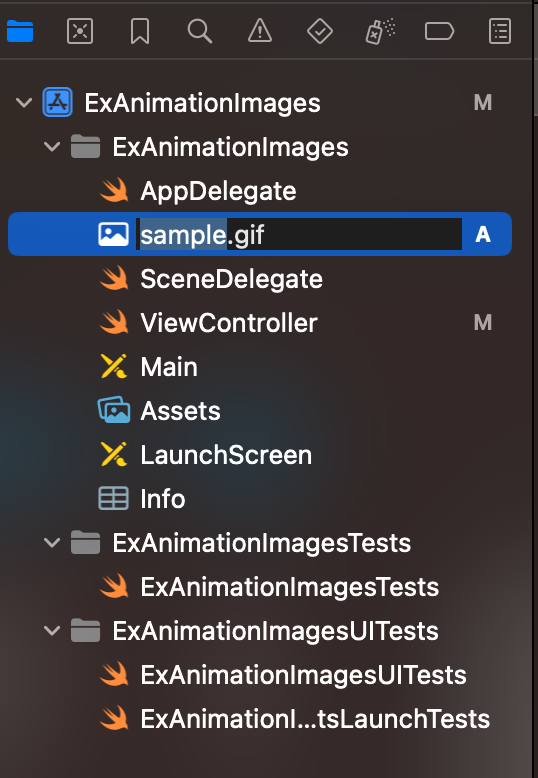
- gif 이미지 준비
- imageView 준비
import UIKit

class ViewController: UIViewController {
    private let gifImageView = {
        let view = UIImageView()
        view.translatesAutoresizingMaskIntoConstraints = false
        return view
    }()

    override func viewDidLoad() {
        super.viewDidLoad()

        view.addSubview(gifImageView)
        NSLayoutConstraint.activate([
            gifImageView.centerXAnchor.constraint(equalTo: view.centerXAnchor),
            gifImageView.centerYAnchor.constraint(equalTo: view.centerYAnchor),
        ])
    }
}- gif 파일을 가져오는 코드
- gifData를 가지고 ImageIO안에 있는 CGImageSourceCreateWithData를 활용하여 source를 획득
- 참고) 아래처럼 CGImageSource를 사용하면 dirty memory를 줄일 수 있어서 효율적인 방법임 (자세한 내용은 이전 포스팅 글 참고)
guard
    let gifURL = Bundle.main.url(forResource: "sample", withExtension: "gif"),
    let gifData = try? Data(contentsOf: gifURL),
    let source = CGImageSourceCreateWithData(gifData as CFData, nil)
else { return }- CGImageSource를 가지고 cgImage와 frameCount를 가져올 수 있으므로 아래처럼 구현
let frameCount = CGImageSourceGetCount(source)
var images = [UIImage]()

(0..<frameCount)
    .compactMap { CGImageSourceCreateImageAtIndex(source, $0, nil) }
    .forEach { images.append(UIImage(cgImage: $0)) }

gifImageView.animationImages = images
gifImageView.animationDuration = TimeInterval(frameCount) * 0.05 // 0.05는 임의의 값
gifImageView.animationRepeatCount = 0
gifImageView.startAnimating()
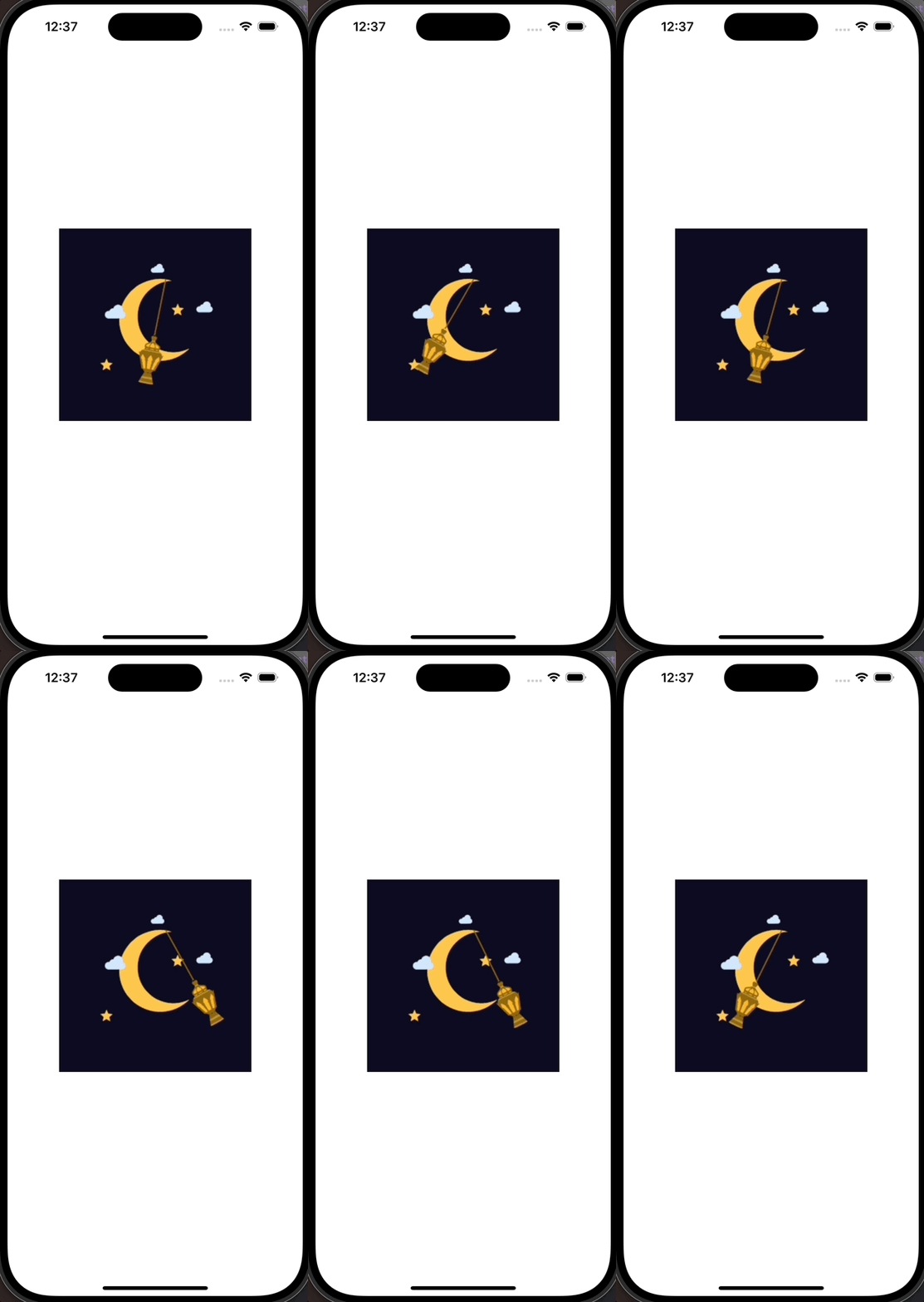
(완성)
* 전체 코드: https://github.com/JK0369/ExGif
* 참고