iOS 응용 (swift)
[iOS - swift] UITableView 데이터 추가 할 때 reloadData대신 insertRows 사용하기
jake-kim
2024. 7. 31. 01:16
UITableView 데이터 추가하기
- UITableView에서 스크롤하면서 동시에 아래에 데이터를 계속해서 추가해주어야하는 페이지네이션 UI가 존재
- 페이지네이션 UI 구현 방법은 이전 포스팅 글 참고
[iOS - swift] UITableView 하단 로딩 구현 방법 (#페이지네이션, footer loading, UIActivityIndicatorView)
하단 로딩 구현 아이디어1단계) Pagination: tableView의 willDisplay 델리게이트에서 마지막 인덱스 값인지 체크하고, 마지막 인덱스 값이면 페이지네이션 구현2단계) 하단로딩: willDisplay에서 페이지네이
ios-development.tistory.com
- ex) 페이징 관련 코드
- 마지막 셀이 보여질 때 로딩 뷰, footerView를 추가하고 아이템을 로드하고난 후에 다시 footerView를 제거한 다음 reloadData()호출
extension ViewController: UITableViewDelegate {
    func tableView(
        _ tableView: UITableView,
        willDisplay cell: UITableViewCell,
        forRowAt indexPath: IndexPath
    ) {
        let isLastCursor = indexPath.row == dataSource.count - 1
        guard isLastCursor else { return }

        tableView.tableFooterView = FooterView(frame: .init(x: 0, y: 0, width: 0, height: 72))

        loadMoreItem {
            tableView.tableFooterView = nil
            tableView.reloadData()
        }
    }

    private func loadMoreItem(completion: @escaping () -> ()) {
        DispatchQueue.main.asyncAfter(deadline: .now() + 1) {
            let curCount = self.dataSource.count
            self.dataSource.append(contentsOf: (1+curCount...10+curCount).map(String.init))
            completion()
        }
    }
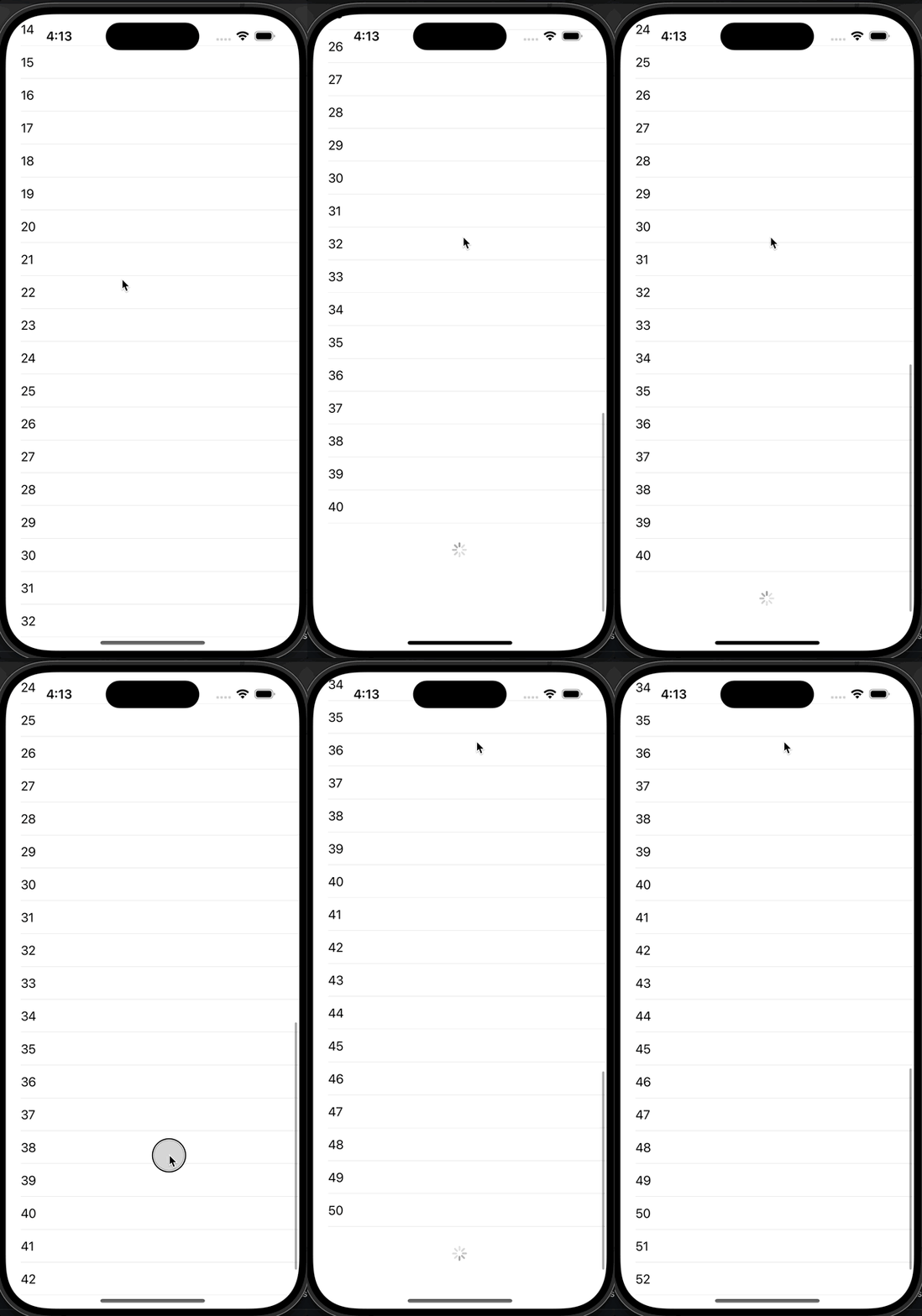
}- 데이터가 수정된 후 UI에 반영할 때 보통 reloadData를 호출하여 cellForRowAt 델리게이트 메소드가 불리게하여 셀을 업데이트하지만, reloadData를 사용하면 애니메이션이 없는 단점이 존재
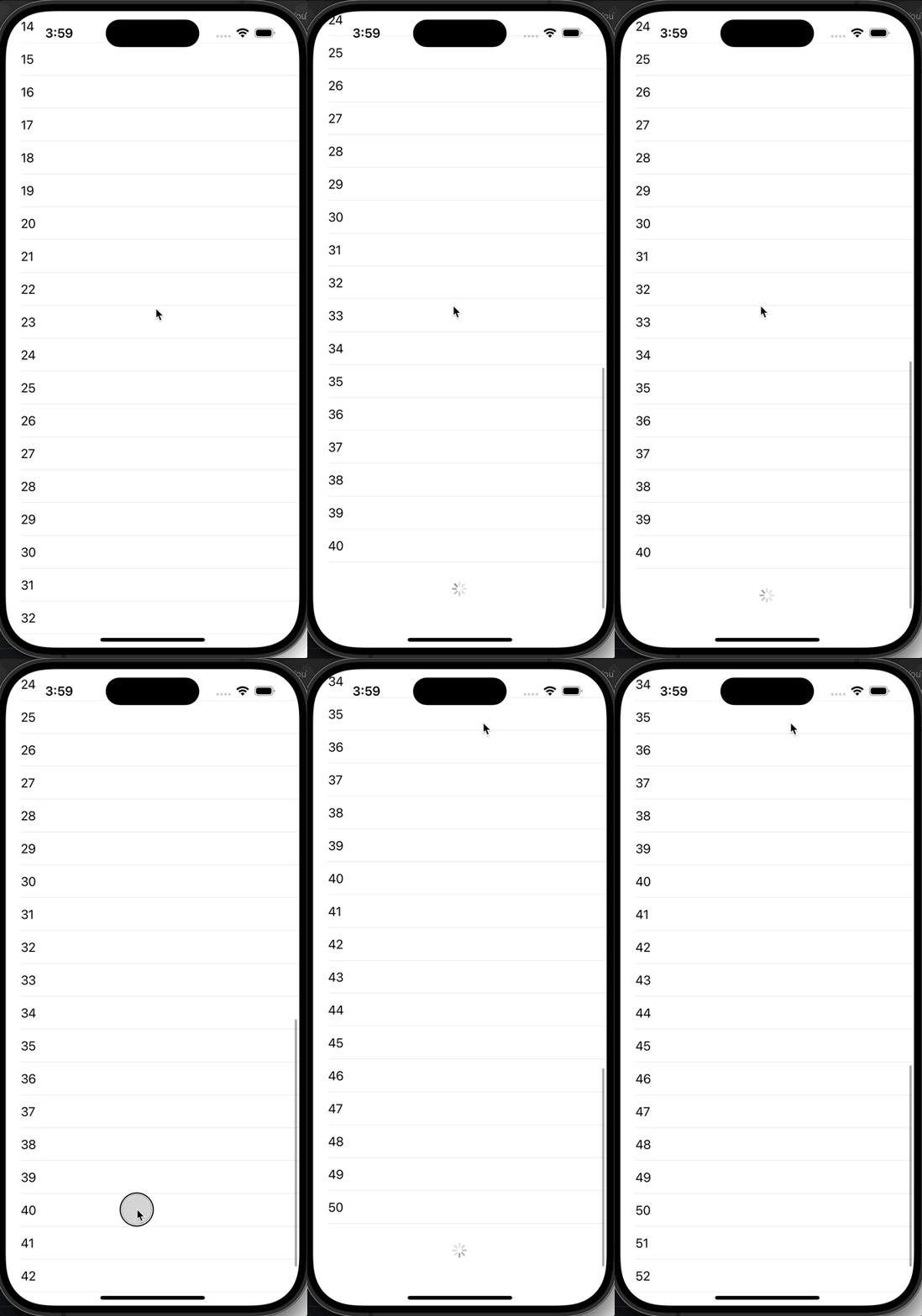
- 때문에 데이터를 단순히 추가할때는 reloadData보단 performBatch와 insertRows를 사용할 것
- *단, performBatchUpdates가 여러곳에서 insertRows, deleteRows가 거의 동시에 일어나는 이벤트가 있으면 불안정하기에 복잡한 상황에서는 지양할 것
loadMoreItem { indexPaths in
    tableView.performBatchUpdates {
        tableView.insertRows(at: indexPaths, with: .fade)
    }
    tableView.tableFooterView = nil
}
적용)