iOS 응용 (SwiftUI)
[iOS - SwiftUI] fixedSize 개념 (#내부 컨텐츠 크기만큼 크기 조절 방법)
jake-kim
2025. 1. 14. 01:27
컨텐츠 크기만큼 크기 조절 방법
ex) 내부 컨텐츠만큼 크기가 조절되지 않는 경우
struct ContentView: View {
    var body: some View {
        HStack {
            Text("Test")
                .font(.largeTitle)

            RoundedRectangle(cornerRadius: 12)
                .fill(Color.blue)
        }
    }
}
(왼쪽 Text 높이만큼 오른쪽 파란색 뷰의 세로 길이를 맞추는 방법?)
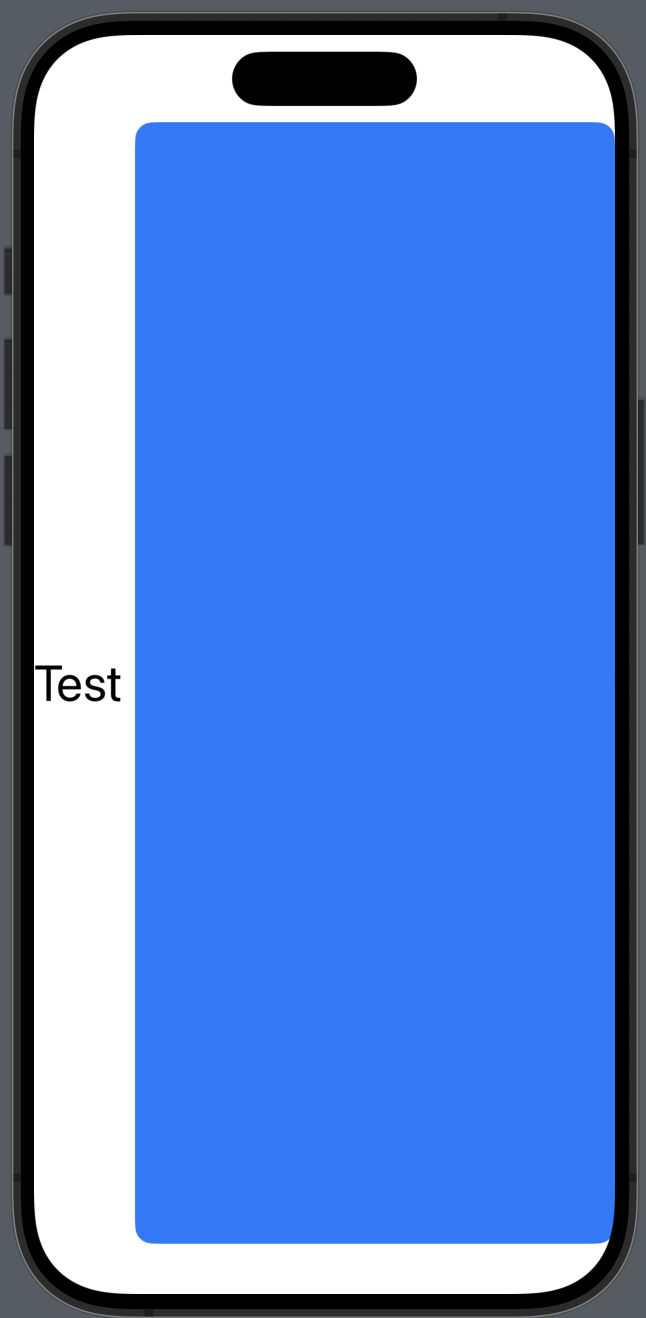
- fixedSize(horizontal:vertical:)을 사용하면 콘텐츠 크기만큼 크기 고정이 가능
struct ContentView: View {
    var body: some View {
        HStack {
            Text("Test")
                .font(.largeTitle)

            RoundedRectangle(cornerRadius: 12)
                .fill(Color.blue)
        }
        .fixedSize(horizontal: false, vertical: true) // <-
    }
}
FixedSize 란?
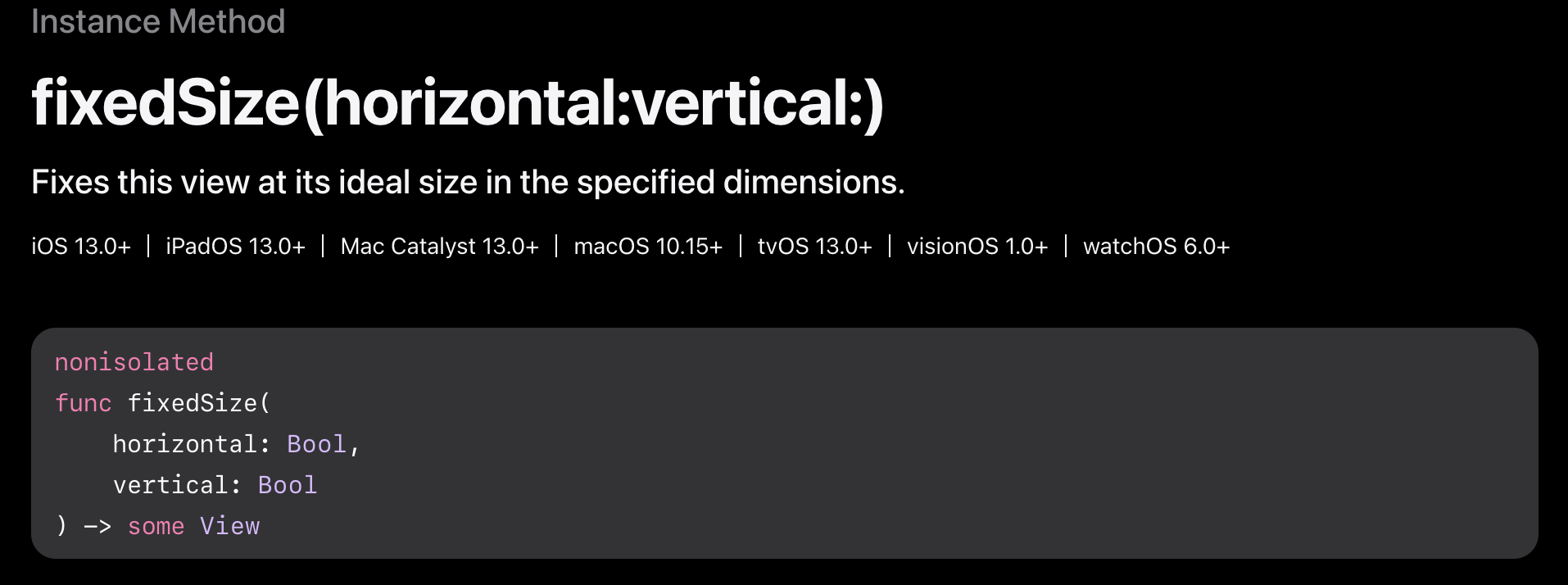
- 애플 문서에는 뷰의 크기를 이상적인 크기로 잡아준다는 의미
- 애플 문서의 설명은 추상적이므로 이해하기 힘들지만, fixedSize를 사용하여 horizontal이나 vertical에 true를 넣으면 true를 넣은 쪽이 콘텐츠 크기만큼 고정된다고 이해하기
- 아래처럼 사용하면 vertical에 true가 들어갔으므로 vertical 사이즈를 무한정 늘리지 말고 내부 콘텐츠인 Text에 맞추어준 것
struct ContentView: View {
    var body: some View {
        HStack {
            Text("Test")
                .font(.largeTitle)

            RoundedRectangle(cornerRadius: 12)
                .fill(Color.blue)
        }
        .fixedSize(horizontal: false, vertical: true) // <-
    }
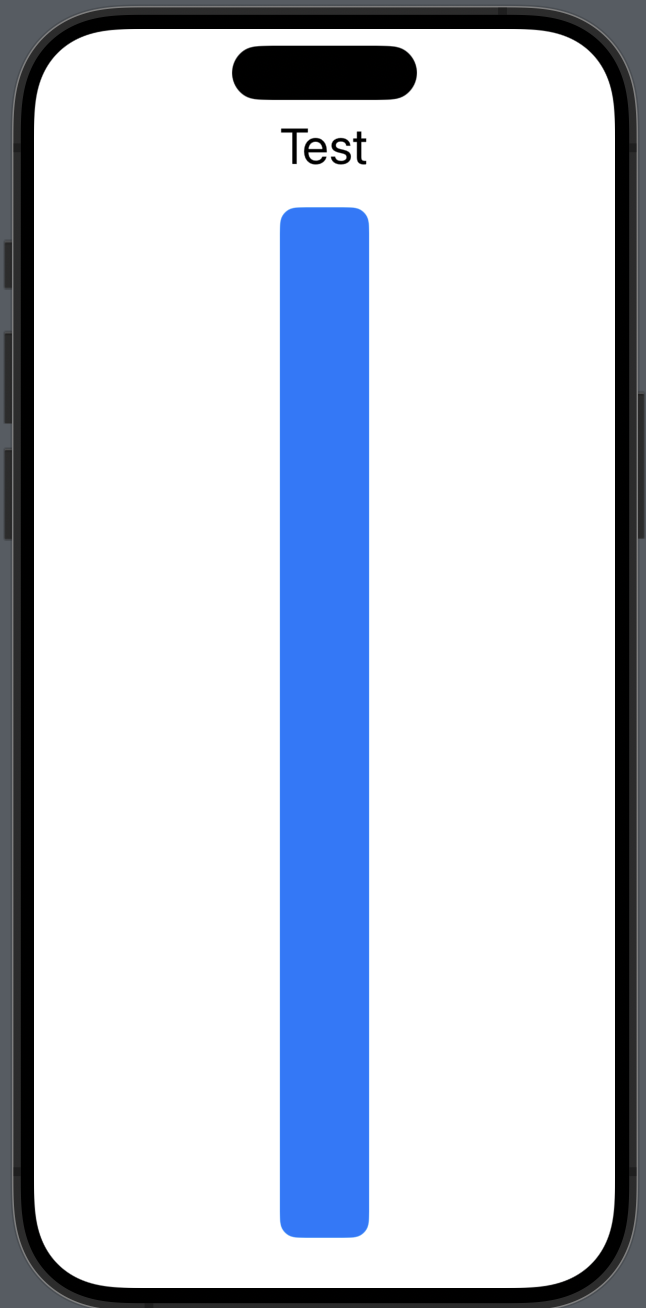
}- VStack을 사용할때도 동일
struct ContentView: View {
    var body: some View {
        VStack {
            Text("Test")
                .font(.largeTitle)

            RoundedRectangle(cornerRadius: 12)
                .fill(Color.blue)
        }
        .fixedSize(horizontal: true, vertical: false)
    }
}
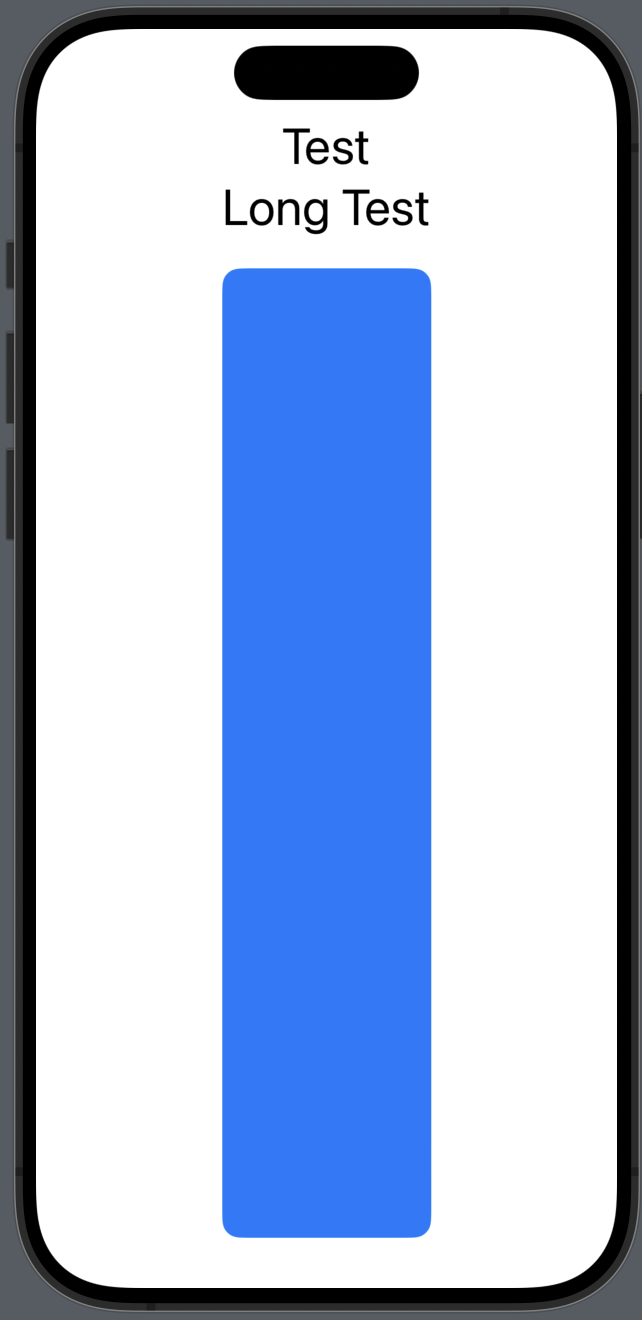
- VStack안에 여러가지 뷰가 있을땐, 이 뷰 중에서 가장 컨텐츠의 크기가 큰 사이즈에 맞게 고정
struct ContentView: View {
    var body: some View {
        VStack {
            Text("Test")
                .font(.largeTitle)

            Text("Long Test") // <-
                .font(.largeTitle)

            RoundedRectangle(cornerRadius: 12)
                .fill(Color.blue)
        }
        .fixedSize(horizontal: true, vertical: false)
    }
}
* 참고
- https://developer.apple.com/documentation/swiftui/view/fixedsize(horizontal:vertical:)