iOS 응용 (swift)
[iOS - swift] custom cell(일반 cell, Header cell), Hugging, Compression
jake-kim
2020. 11. 1. 21:14
Custom Cell
- 셀에 들어갈 Model생성 (용도 - bind할 때 인수로 넘길 객체)
//
//  TitleModel.swift
//  Testtes
//
//  Created by 김종권 on 2020/11/01.
//  Copyright © 2020 jongkwon kim. All rights reserved.
//

import Foundation

struct TitleModel {
    let title: String
    let subTitle: String
}
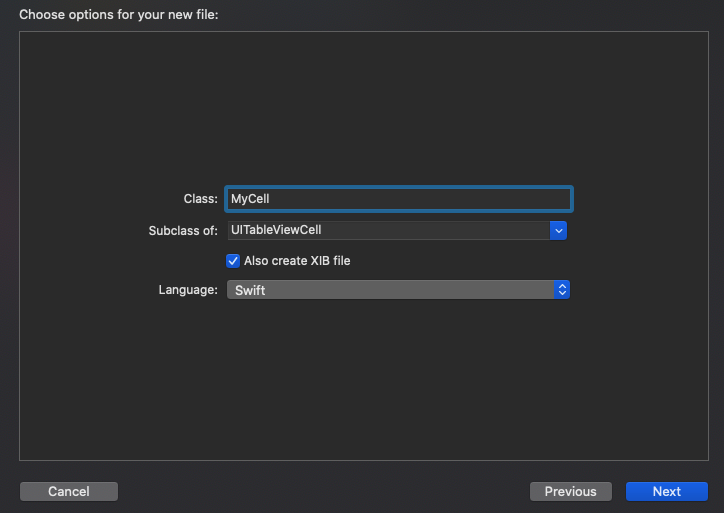
- cocoa touch class -> "Also create XIB file"체크 후 넥스트
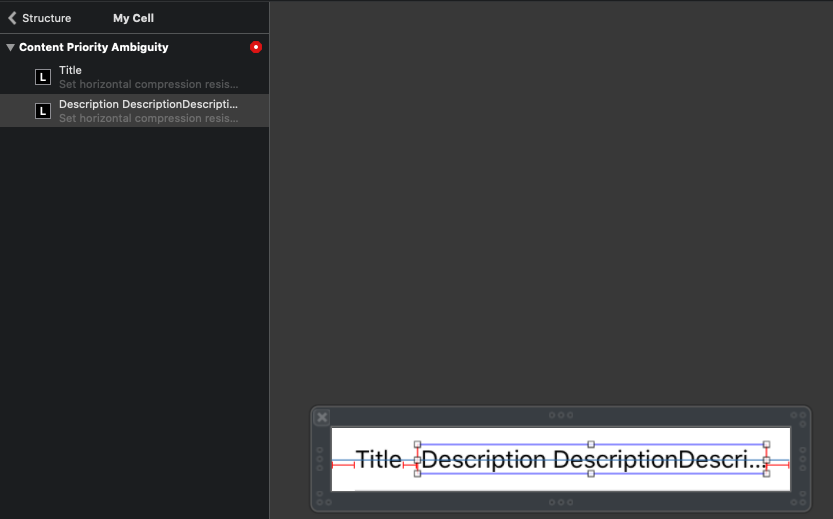
- 각 UI배치 및 hugging, compression 설정 (Description이 길어질 수 있으므로, Title의 hugging, compression모두 높아야 함)
- huggingg: hug 수용력
- compression: compression 될수 있는 힘
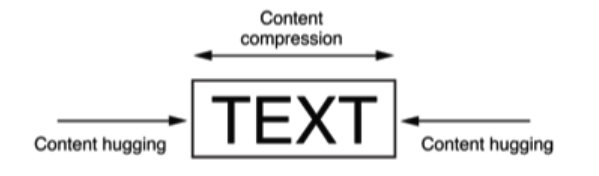

여기서, Title의 hugging을 높이면, Description이 길어졌을 때, Description이 title쪽으로 끌려옴 (hug)
Title의 Compression을 높이면 Description이 아무리 길어져도 Title이 찌부되지 않음

※ Title의 Compression을 높이지 않은 경우, Title의 크기에 관한 오류
A의 Hugging값을 높이면, B의 Compression값을 동시에 높여야함
- 위와 연결된 .swift파일 작성
//
//  MyCell.swift
//  Testtes
//
//  Created by 김종권 on 2020/11/01.
//  Copyright © 2020 jongkwon kim. All rights reserved.
//

import UIKit
import RxSwift

class MyCell: UITableViewCell {

    @IBOutlet weak var title: UILabel!
    @IBOutlet weak var subTitle: UILabel!

    var bag = DisposeBag()

    override func awakeFromNib() {
        super.awakeFromNib()
        setUpView()
    }

    private func setUpView() {
    }

    override func prepareForReuse() {
        super.prepareForReuse()
        bag = DisposeBag()
    }

    func bind(_ data: TitleModel) {
        title.text = data.title
        subTitle.text = data.subTitle
    }
}
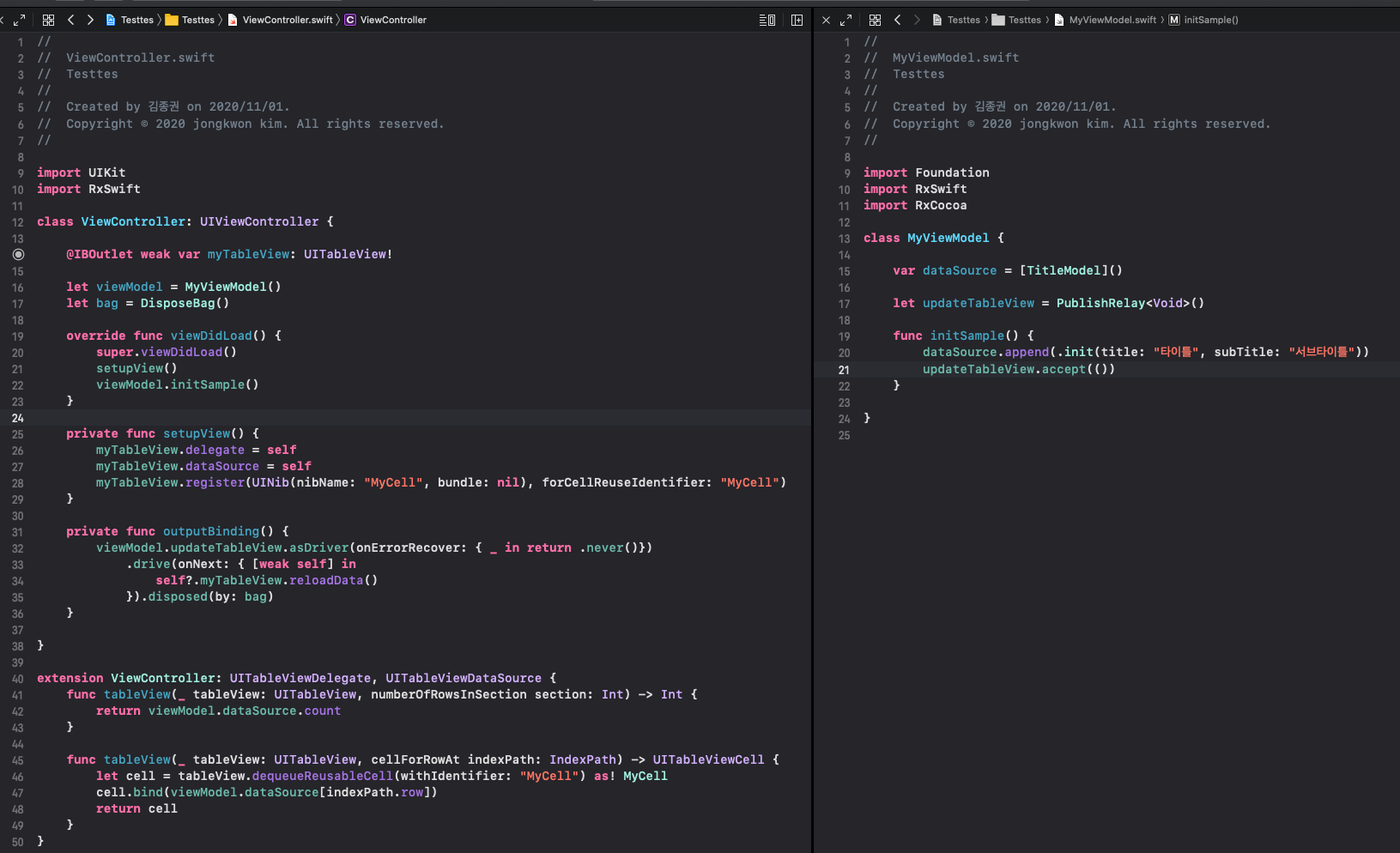
- ViewController에 커스텀 cell 사용
- Register: xib -> nib
- tableView.dequeueReusableCell: 셀 객체 사용

Header 커스텀 Cell
- Cocoa touch class에서 위와 동일하게 생성
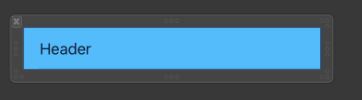
- MyHeaderCell.xib파일 구현
- MyHeaderCell.swift에는 UITableViewHeaderFooterView클래스 상속
//
//  MyHeaderCell.swift
//  Testtes
//
//  Created by 김종권 on 2020/11/01.
//  Copyright © 2020 jongkwon kim. All rights reserved.
//

import UIKit

class MyHeaderCell: UITableViewHeaderFooterView {

    override func prepareForReuse() {
        super.prepareForReuse()

    }

}
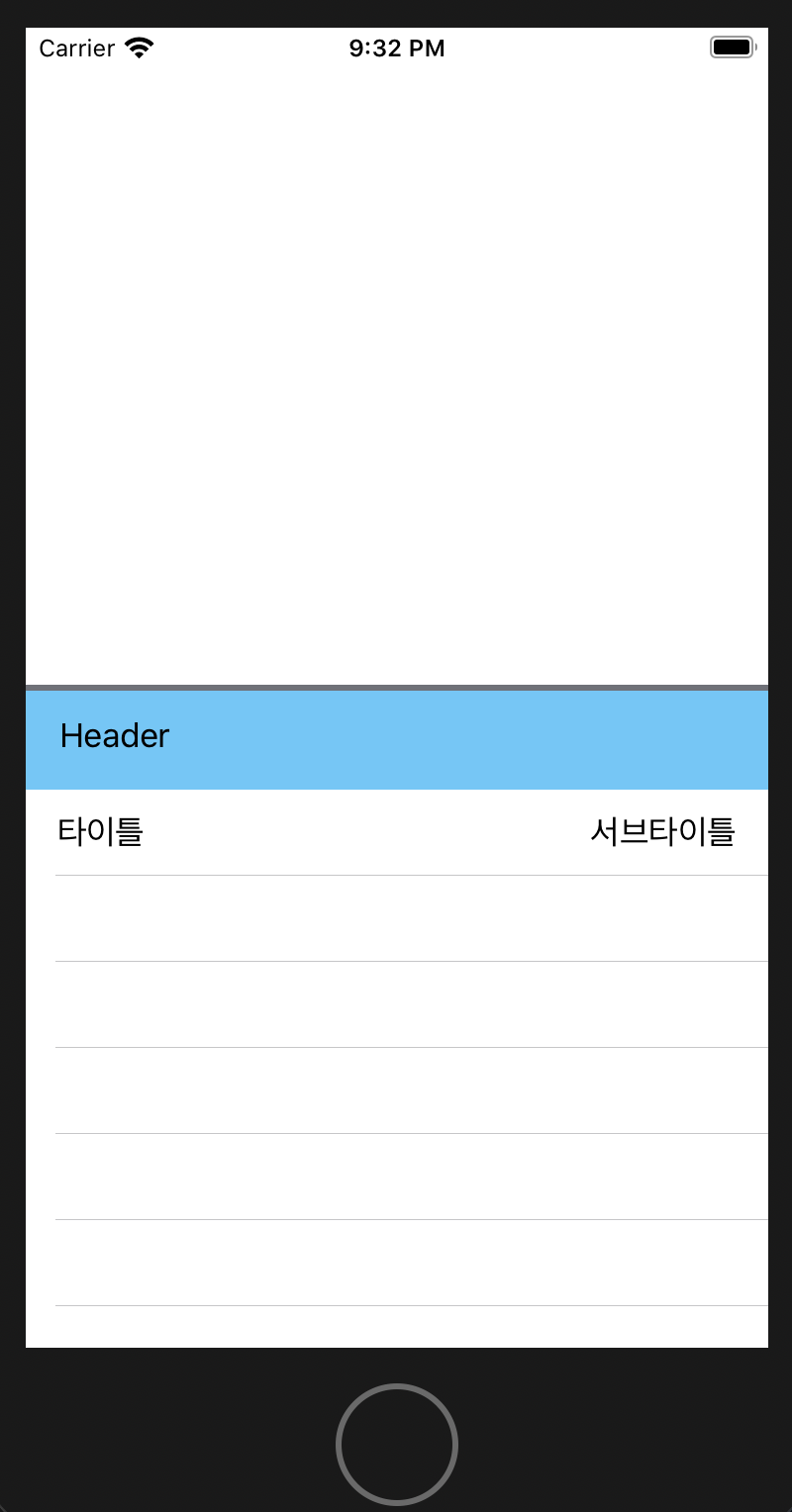
- ViewController에서 등록
- table View에 UINib파일 등록
- dataSource에 등록
// register

myTableView.register(UINib(nibName: "MyHeaderCell", bundle: nil), forHeaderFooterViewReuseIdentifier: "MyHeaderCell")
// data source
func tableView(_ tableView: UITableView, heightForHeaderInSection section: Int) -> CGFloat {
return 50
}
func tableView(_ tableView: UITableView, viewForHeaderInSection section: Int) -> UIView? {
return tableView.dequeueReusableHeaderFooterView(withIdentifier: "MyHeaderCell") as! MyHeaderCell
}
※ Section을 사용할 경우, 구조체만 잘 정의하는게 핵심
ex)
struct Section {
  let title: String
  let cells: [MyCell]
}
var sections = [Section]()
func tableView(_ tableView: UITableView,
titleForHeaderInSection section: Int) -> String? {
return sections[section].title
}