iOS 응용 (swift)
[iOS - swift] mp4, gif 파일 재생 방법 (애니메이션, AVPlayer, Gifu 프레임워크)
jake-kim
2021. 3. 4. 23:56
https://github.com/kaishin/Gifu
mp4 파일 재생
- animation이 동작할 UIImageView 추가

- 애니메이션을 실행시킬 playVideo 함수 추가
    private func playVideo(with resourceName: String) {
        guard let path = Bundle.main.path(forResource: resourceName, ofType: "mp4") else {
            return
        }
        let player = AVPlayer(url: URL(fileURLWithPath: path))
        let playerLayer = AVPlayerLayer(player: player)
        playerLayer.frame = animationView.bounds
        animationView.layer.addSublayer(playerLayer)
        playerLayer.videoGravity = .resizeAspectFill
        player.play()
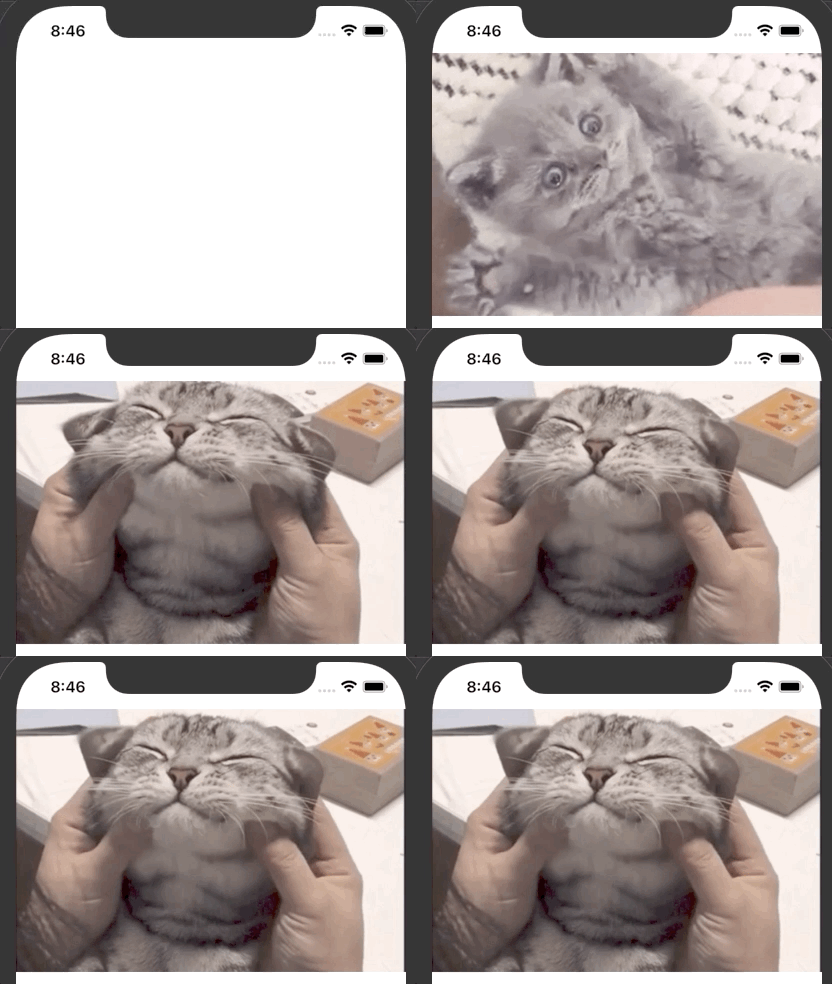
}- 애니메이션 실행 (2개의 .mp4파일이 있고, 순차적으로 실행)
override func viewWillAppear(_ animated: Bool) {
    super.viewWillAppear(animated)

    DispatchQueue.main.async { [weak self] in
        self?.playVideo(with: "start_")
    }

    DispatchQueue.main.asyncAfter(wallDeadline: .now() + 1.5) { [weak self] in
        self?.playVideo(with: "end_")
    }
}
gif 파일 재생
pod 'Gifu'- UIimageView 생성 후 'GIFImageView' 클래스로 연결

- import
import Gifu- 애니메이션 실행
DispatchQueue.main.async { [weak self] in
    self?.gifAnimationView.animate(withGIFNamed: "start", loopCount: 1) { [weak self] in
        self?.gifAnimationView.animate(withGIFNamed: "end")
    }
}
* source code: github.com/JK0369/mp4_gif_animation_example