iOS 응용 (swift)
[iOS - swift] AVFoundation, 음악 재생, MP3
jake-kim
2021. 11. 17. 22:58
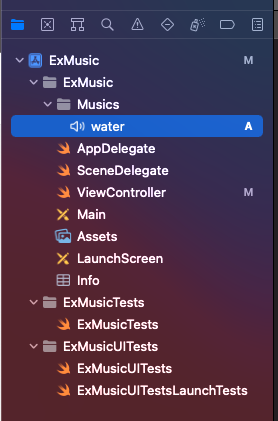
.mp3 파일 준비
- 프로젝트 디렉토리 아무곳에 저장
.mp3 파일 재생 방법
- Bundle.main 경로에 .mp3파일 추가
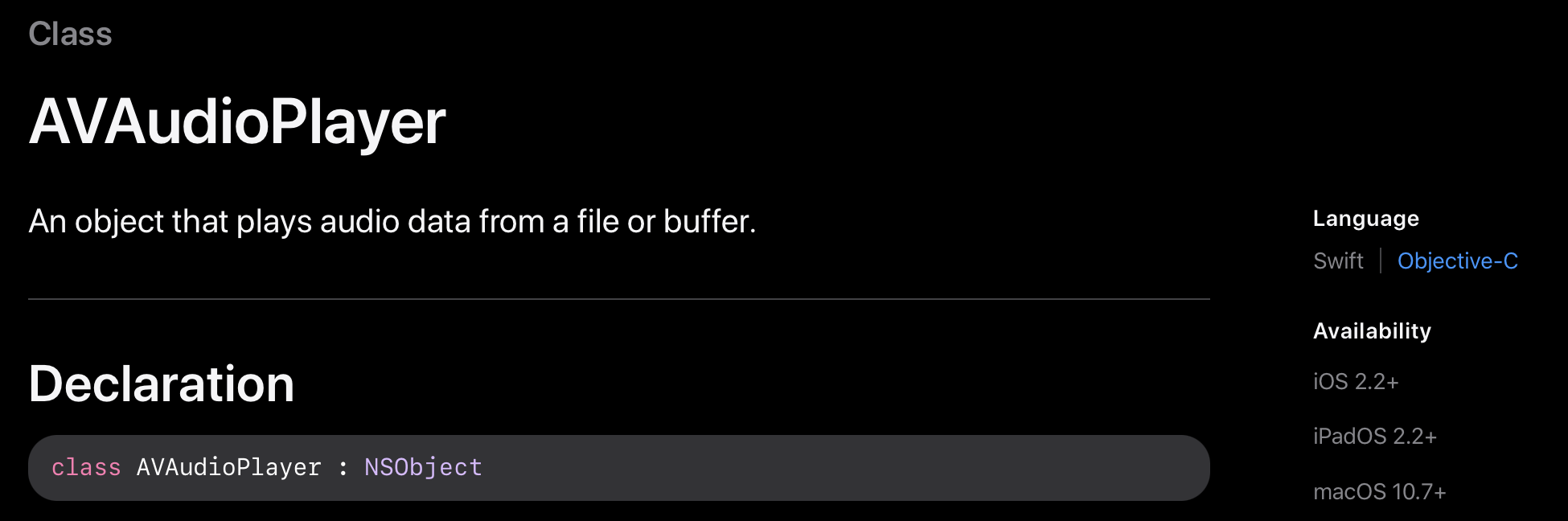
- AVFoundation 프레임워크에서 지원해주는 AVAudioPlayer로 Bundle.main에 있는 .mp3 파일을 실행
AVAudioPlayer
- 사용처
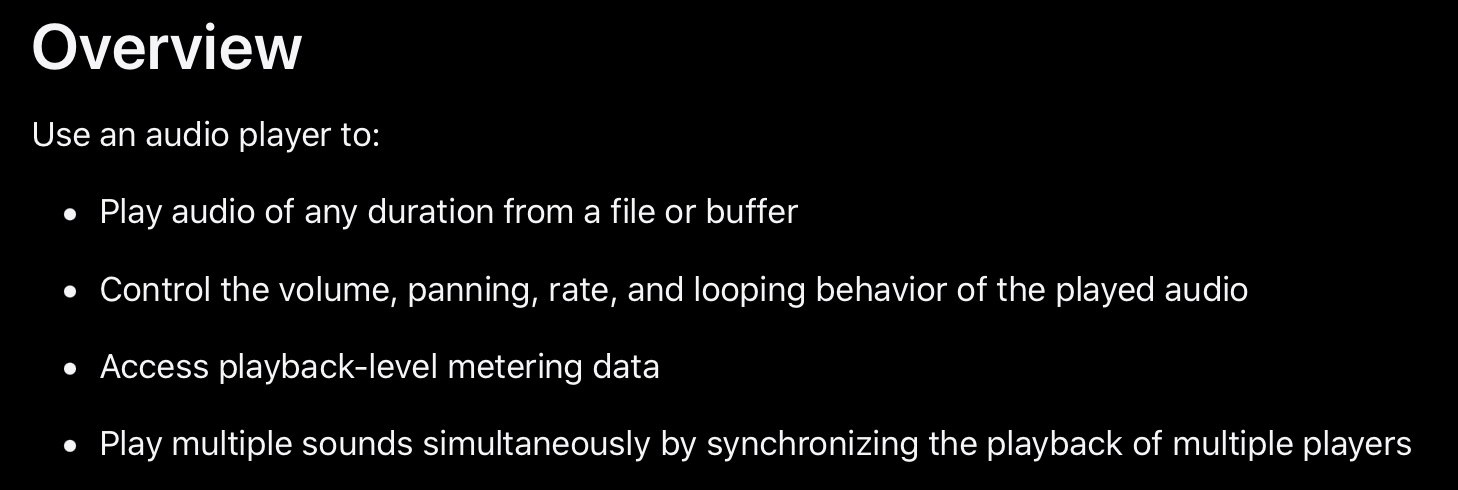
- 오디오 플레이에 사용
- 볼륨, 속도, 반복등을 제어할 수 있는 기능 제공
- 여러 사운드를 동시에 재생할 수 있는 기능 제공
구현
- AVDoundation 임포트
import AVFoundation- audioPlayer 인스턴스 선언
class ViewController: UIViewController {

    var audioPlayer: AVAudioPlayer?

}- .mp3파일을 찾아서 해당 파일을 audioPlayer를 실행하는 메소드 구현
- Bundle.main에 접근하여 url 획득 (bundle 개념은 여기 참고)
- prepareToPlay() 역할: 오디오 버퍼를 미리 로드하고 재생에 필요한 오디오 하드웨어를 획득하여, play() 메소드를 실행했을 때 오디오가 나오는 지연시간을 줄이는 성능 향상에 도움
- cf) 무한 반복 옵션: audioPlayer.numberOfLoops = -1
@objc private func playMusic() {
    let url = Bundle.main.url(forResource: "forest", withExtension: "mp3")
    if let url = url {
        do {
            audioPlayer = try AVAudioPlayer(contentsOf: url)
            audioPlayer?.prepareToPlay()
            audioPlayer?.play()
        } catch {
            print(error)
        }
    }
}- 전체 코드
import UIKit
import AVFoundation

class ViewController: UIViewController {

    var audioPlayer: AVAudioPlayer?

    lazy var playButton: UIButton = {
        let button = UIButton()
        button.setTitle("play", for: .normal)
        button.setTitleColor(.systemBlue, for: .normal)
        button.setTitleColor(.gray, for: .highlighted)
        button.addTarget(self, action: #selector(playMusic), for: .touchUpInside)
        return button
    }()

    override func viewDidLoad() {
        super.viewDidLoad()

        configureViews()
    }

    private func configureViews() {
        view.addSubview(playButton)
        playButton.translatesAutoresizingMaskIntoConstraints = false
        playButton.centerYAnchor.constraint(equalTo: view.centerYAnchor).isActive = true
        playButton.centerXAnchor.constraint(equalTo: view.centerXAnchor).isActive = true
    }

    @objc private func playMusic() {
        let url = Bundle.main.url(forResource: "forest", withExtension: "mp3")
        if let url = url {
            do {
                audioPlayer = try AVAudioPlayer(contentsOf: url)
                audioPlayer?.prepareToPlay()
                audioPlayer?.play()
            } catch {
                print(error)
            }
        }
    }
}
* 참고
https://developer.apple.com/documentation/avfaudio/avaudioplayer