iOS framework
[iOS - swift] 2. Hero - UIViewController간의 화면전환 애니메이션 프레임워크 (Modal)
jake-kim
2022. 2. 24. 23:32
1. Hero - UIViewController간의 화면전환 애니메이션 프레임워크 (개념, UIPenGestureRecognizer)
2. Hero - UIViewController간의 화면전환 애니메이션 프레임워크 (Modal)
3. Hero - UIViewController간의 화면전환 애니메이션 프레임워크 (Hero Extension, hero.id를 이용한 애니메이션)
4. Hero - UIViewController간의 화면전환 애니메이션 프레임워크 (셀 이동, 뷰 이동 애니메이션 예제)
Hero에서 지원하는 애니메이션
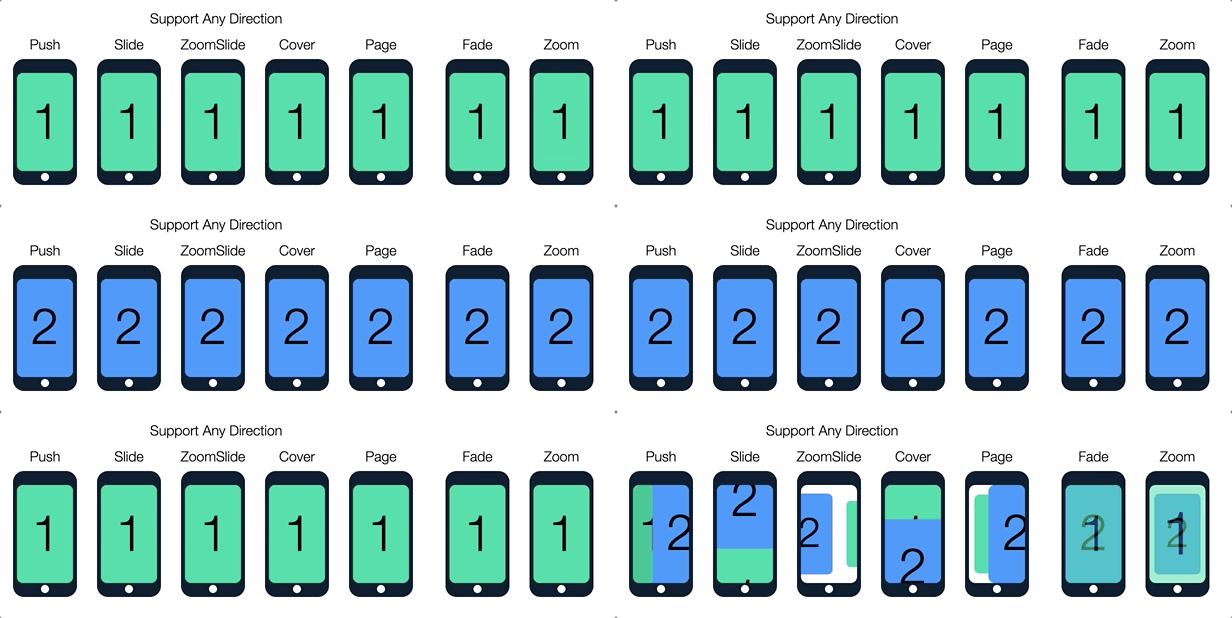
- 내부적으로 extension을 통해 UIViewController, UINavigationController, UITabBarController에 지원
extension UIViewController {
  /// default hero animation type for presenting & dismissing modally
  public var heroModalAnimationType: HeroDefaultAnimationType
}
extension UINavigationController {
  /// default hero animation type for push and pop within the navigation controller
  public var heroNavigationAnimationType: HeroDefaultAnimationType
}
extension UITabBarController {
  /// default hero animation type for switching tabs within the tab bar controller
  public var heroTabBarAnimationType: HeroDefaultAnimationType
}
애니메이션 사용
* ViewController 준비
private lazy var vc3: VC3 = {
  let vc = VC3()
  vc.isHeroEnabled = true
  vc.modalPresentationStyle = .fullScreen
  return vc
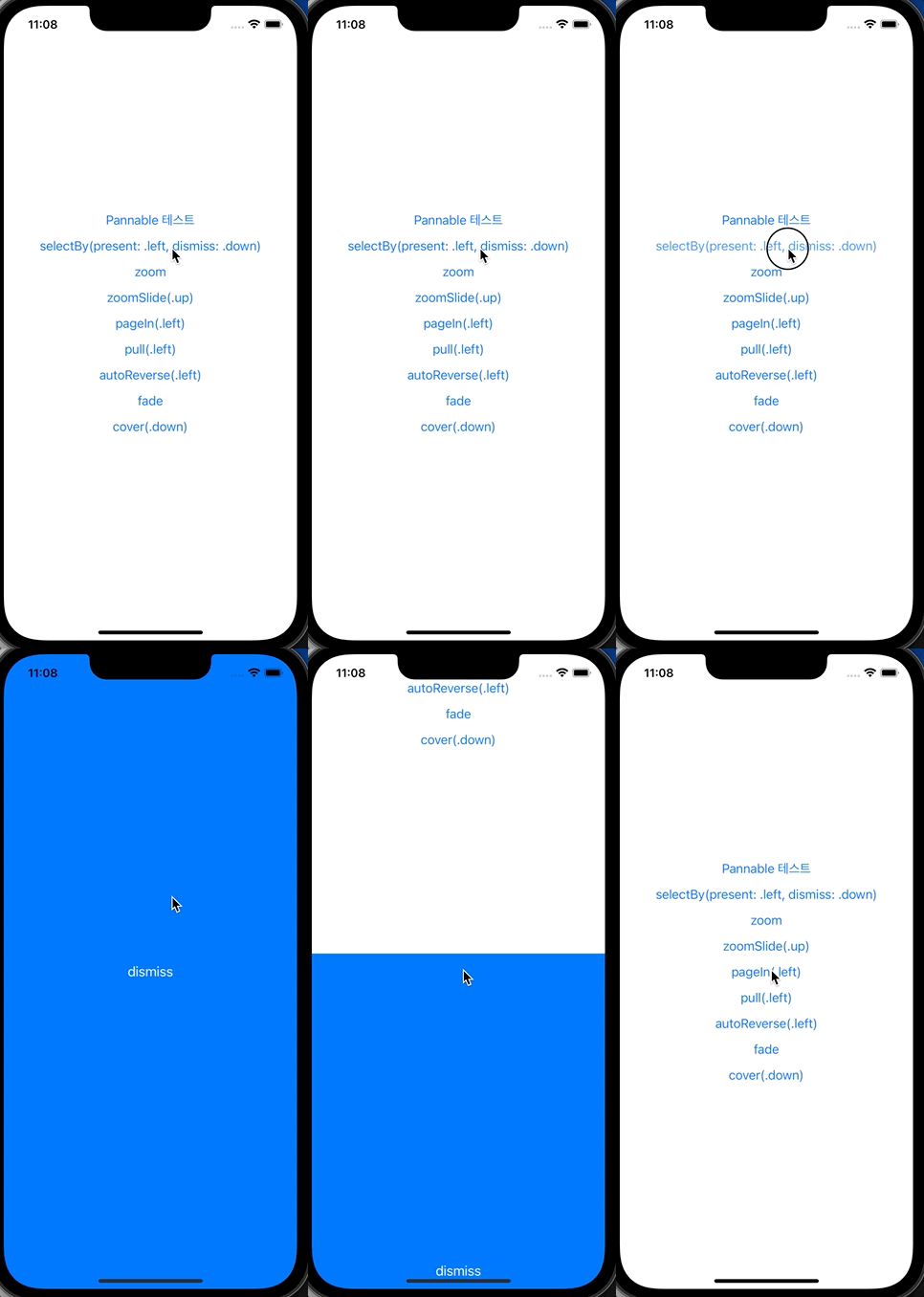
}()- .selectBy(presenting:dismissing:)
- present와 dismiss 방향 설정이 자유롭게 가능 (아래 예제 - left present와 down dismiss 적용
- present와 dismiss 방향 설정이 자유롭게 가능 (아래 예제 - left present와 down dismiss 적용
- .zoom
- present, dismiss 모두 확대하되듯이 화면전환

- zoomSlide(.up)
- 이전 화면 축소 + 다음 화면 slide(이전 화면을 밀어내듯)

- pageIn(.left)
- 이전 화면 축소 + 다음화면 등장
- zoomSlide와 유사하지만, pageIn은 이전 화면을 밀어내지 않는 차이가 존재

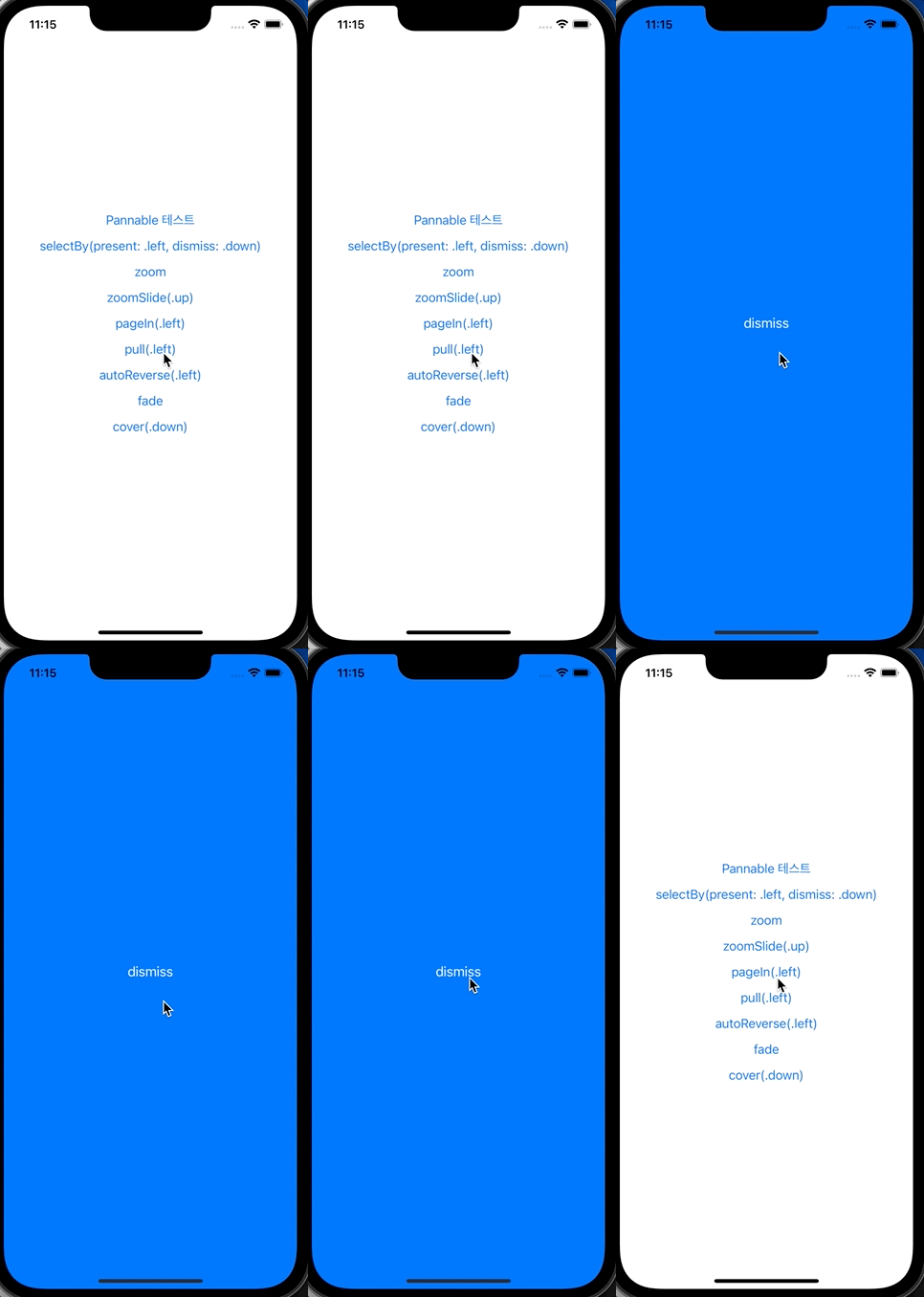
- pull(.left)
- present이던 dismiss이든 항상 동일 방향으로 당기는 화면전환
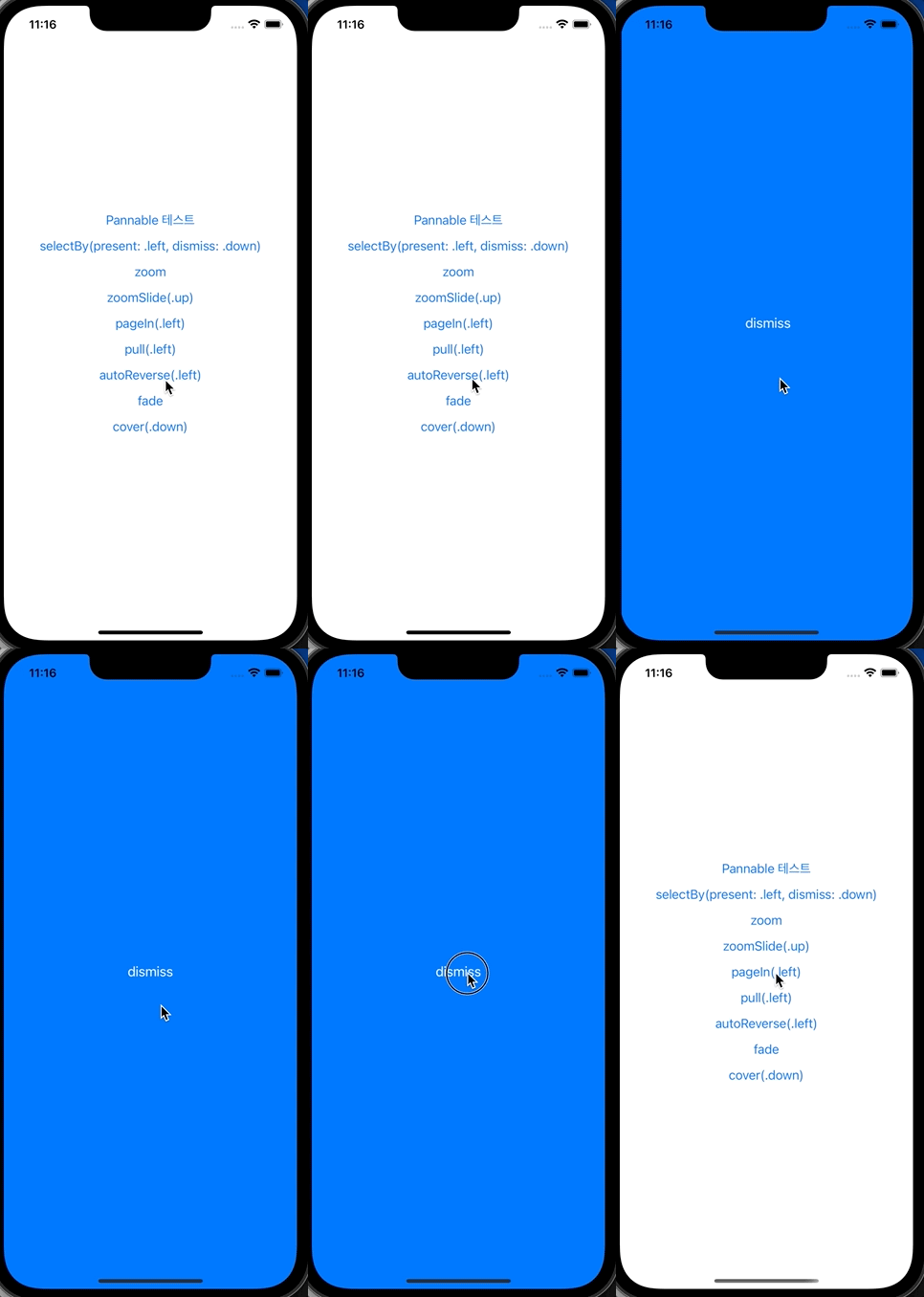
- autoReverse(.left)
- present 방향만 설정하면, dismiss는 그 반대 방향으로 수행
- .fade
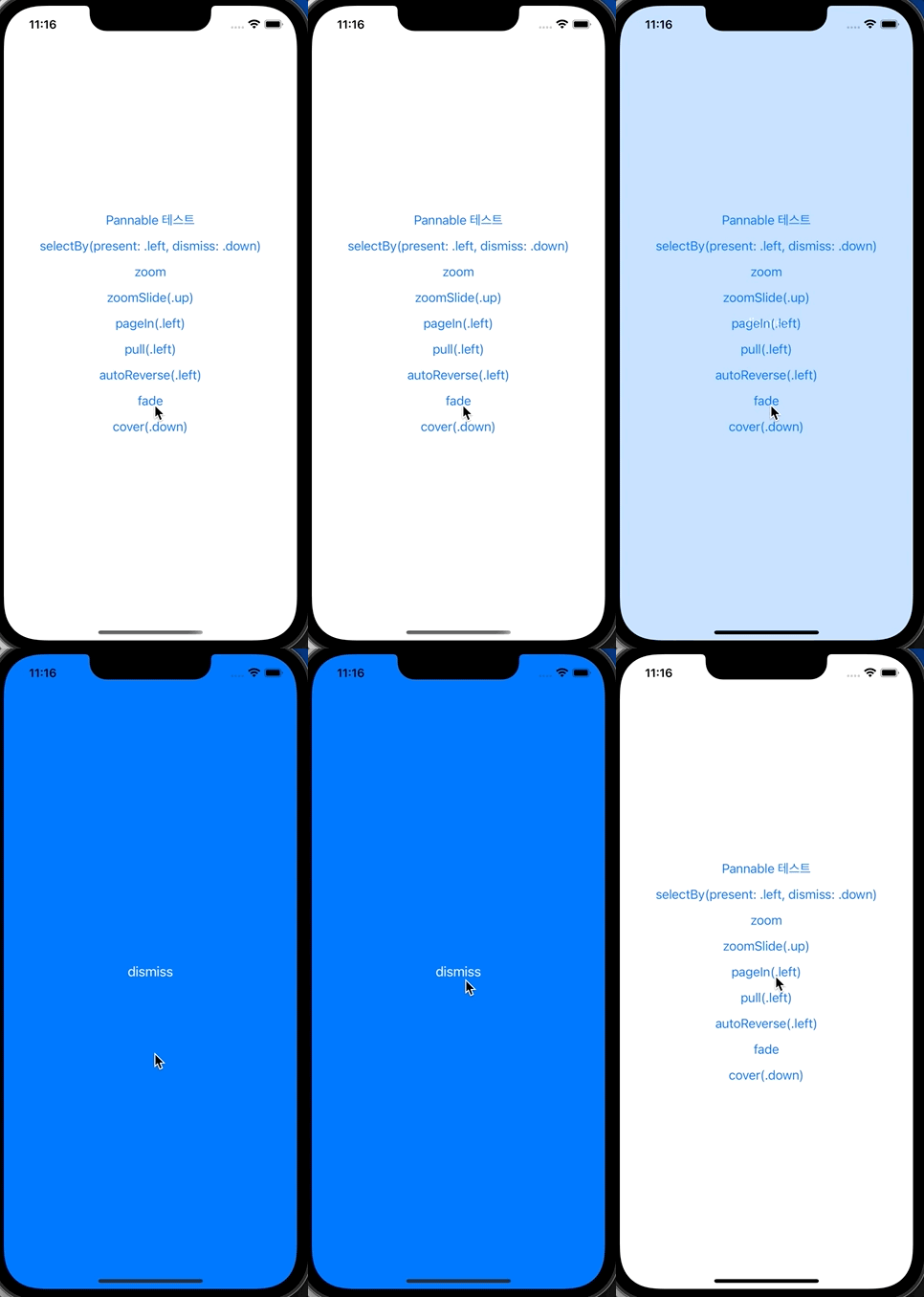
- .cover(.down)
- 이전 화면은 그대로 두고, 다음 화면이 덮는 형태

* 전체 코드: https://github.com/JK0369/ExHero
* 참고
https://lkzhao.gitbooks.io/hero/content/docs/InteractiveTransition.html
https://lkzhao.gitbooks.io/hero/content/docs/UsageGuide.html
https://github.com/HeroTransitions/Hero