iOS 응용 (swift)
[iOS - swift] 4. UITextField, UITextView에서 알면 좋은 개념 - prefix, suffix, insert
jake-kim
2023. 12. 3. 01:30
1. UITextField, UITextView에서 알면 좋은 개념 - deleteBackward()
3. UITextField, UITextView에서 알면 좋은 개념 - NSRange, UITextRange (#utf16)
4. UITextField, UITextView에서 알면 좋은 개념 - prefix, suffix, insert
prefix, suffix, substring
- UITextView, UITextField와 같이 사용할 때, 이전 포스팅 글 NSRange 처리를 할 때 문자 count기준이 아니라 utf16 length기준이었듯이, prefix, suffix, substring에 어떤 기준인지 아는게 필요
- prefix 개념
- 인수로 들어가는게 문자열의 개수를 의미 (여기서는 utf16 length 기준이 아니고 단순히 카운트 값)
- 문자열의 개수를 넣으면 처음에서부터 개수만큼 자름
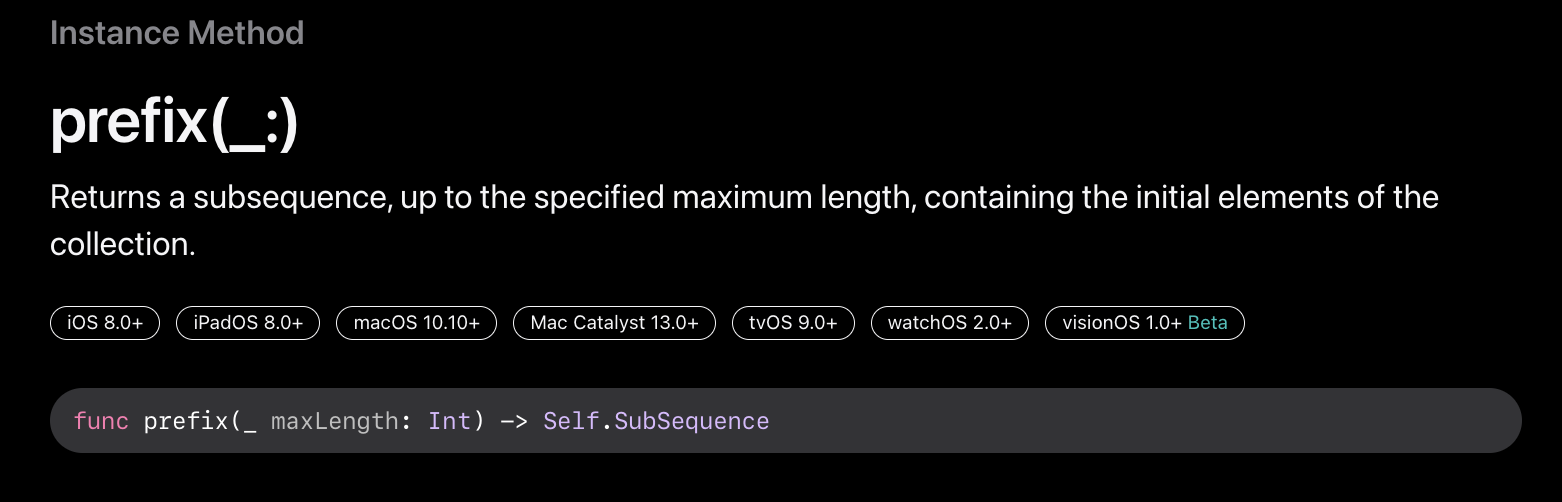
ex)
let str1 = "abcdef"
print(str1.prefix(3)) // abc
let str2 = "a🏳️🌈bcdef"
print(str2.prefix(3)) // a🏳️🌈b- suffix
- 마찬가지로 문자열의 개수를 넣으면 끝에서부터 개수만큼 자름
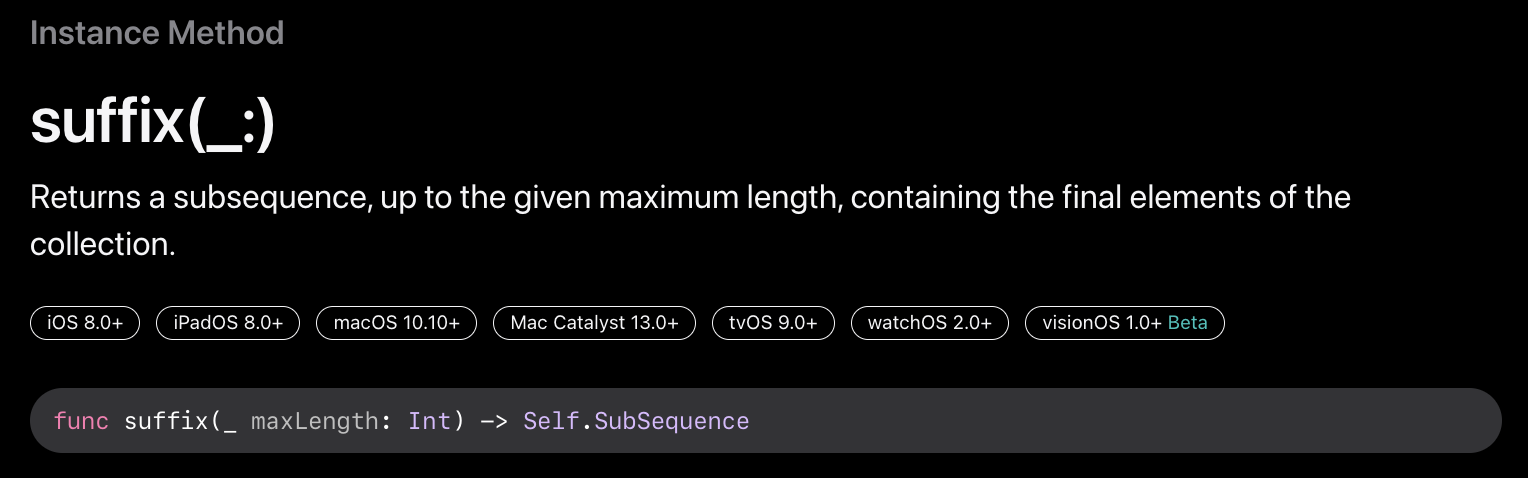
ex)
let str1 = "abcdef"
print(str1.suffix(3)) // def
let str2 = "a🏳️🌈bcdef"
print("a🏳️🌈b".utf16.count) // 8
print(str2.prefix(3)) // a🏳️🌈binsert 구현
- swift에 내장되어 있는 String관련 insert함수는 아래처럼 String.Index를 넣어줘어야 하므로 번거로움이 존재
public mutating func insert(_ newElement: Character, at i: String.Index)- 위에서 알아보았던 prefix, suffix 개념을 사용하면 단순히 utf16 길이 기준으로 생각하지 않고 문자열을 처리할 수 있어서 직관적이므로 prefix와 suffix를 사용하여 insert구현
- 아래처럼 inserted가 있다면, 5번째에 삽입되도록 구현?
let str = "abcd🏳️🌈ef"
print(str.inserted("{NEW}", th: 5)) // abcd{NEW}🏳️🌈ef- String extension으로 정의
extension String {
    func inserted(_ newString: String, th cnt: Int) -> String {
        // TODO
    }
}- 인덱스 범위 체크
func inserted(_ newString: String, th cnt: Int) -> String {
    var cnt = cnt - 1
    guard 0 <= cnt, cnt <= count else { return self }
}- 앞 문자열은 cnt까지이고, 새로운 문자열을 끼워넣고, 뒤에는 이전에 있던 문자열에서 cnt만큼 뺀 뒷 부분을 붙여넣기
func inserted(_ newString: String, th cnt: Int) -> String {
    var cnt = cnt - 1
    guard 0 <= cnt, cnt <= count else { return self }
    return String(prefix(cnt)) + newString + String(suffix(count - cnt))
}
(완성)
let str = "abcd🏳️🌈ef"
print(str.inserted("{NEW}", th: 5)) // abcd{NEW}🏳️🌈ef
* 참고
- https://developer.apple.com/documentation/swift/string/suffix(_:)
- https://developer.apple.com/documentation/swift/string/prefix(_:)